IPTV on PS5 and PS4: What UK TV Apps Actually Work
A hands-on look at IPTV on PS5 and PS4, covering every licensed UK TV app, the services still missing, picture settings and rest mode quirks.
Contents
- What IPTV on PS5 actually means
- Step 1: find the Media hub and install your apps
- The UK apps that actually work on PS5 and PS4
- The gaps against Xbox
- Picture settings: 4K, HDR and frame rate
- The media remote and other control options
- Rest mode mid-stream: what actually happens
- How the PS4 compares
- Verdict: a decent second box, a poor main one
The idea makes sense on paper. Your PS5 already sits under the telly, it has HDMI 2.1, fast Wi-Fi and a tidy interface, so why buy a separate streaming box at all? IPTV on PS5 is a genuine option in 2026, though only in a narrower sense than most guides admit. The console runs a respectable set of licensed UK streaming and catch-up apps, and it runs nothing else. This guide walks through the Media hub, every UK app that actually exists, the gaps against Xbox, the picture settings worth changing, what rest mode does to a live stream, and how the ageing PS4 holds up.
What IPTV on PS5 actually means
First, a definition worth pinning down. On this site, IPTV means television delivered over the internet by licensed services: BBC iPlayer, ITVX, Now, Netflix, Prime Video, Pluto TV and the rest of the licensed roster. That is the only kind that exists on PlayStation, and the reason is structural rather than accidental.
No generic IPTV player apps exist on the PlayStation Store. There is no M3U playlist loader, no Smarters-style client, and no route to sideload one, because the PS5 offers no unknown-sources toggle and no consumer developer mode. Sellers who advertise “full IPTV for your console” are pitching subscriptions that promise every premium channel on earth for a few pounds a month. Those operations hold no UK broadcast licences, they disappear without refunds when payment processors cut them off, and buyers have no comeback whatsoever. Sony’s locked-down store means you cannot install their apps even if you wanted to, which is quietly one of the console’s better consumer protections.
So IPTV on PS5 comes down to one question: which UK services publish an app, and how well does each one run?
Step 1: find the Media hub and install your apps
Sony splits the PS5 home screen into two tabs: Games and Media. Nudge across to the Media tab and you will find preinstalled tiles for a handful of big services next to an All Apps button, which opens the full media section of the PlayStation Store. Installing works exactly like a game. Select the app, press download, and wait a moment, since most TV apps weigh in well under 100MB.
Signing in is the tedious part. Nearly every service now shows a QR code or a short pairing code for your phone’s browser, so you rarely have to peck out a password with the on-screen keyboard. iPlayer wants a free BBC account, ITVX wants an ITV account, and the paid services obviously need live subscriptions. Budget fifteen minutes to install and sign in to five or six apps, and you only do it once.
The UK apps that actually work on PS5 and PS4
Here is the state of play as of July 2026, and it is better than PlayStation’s telly reputation suggests:
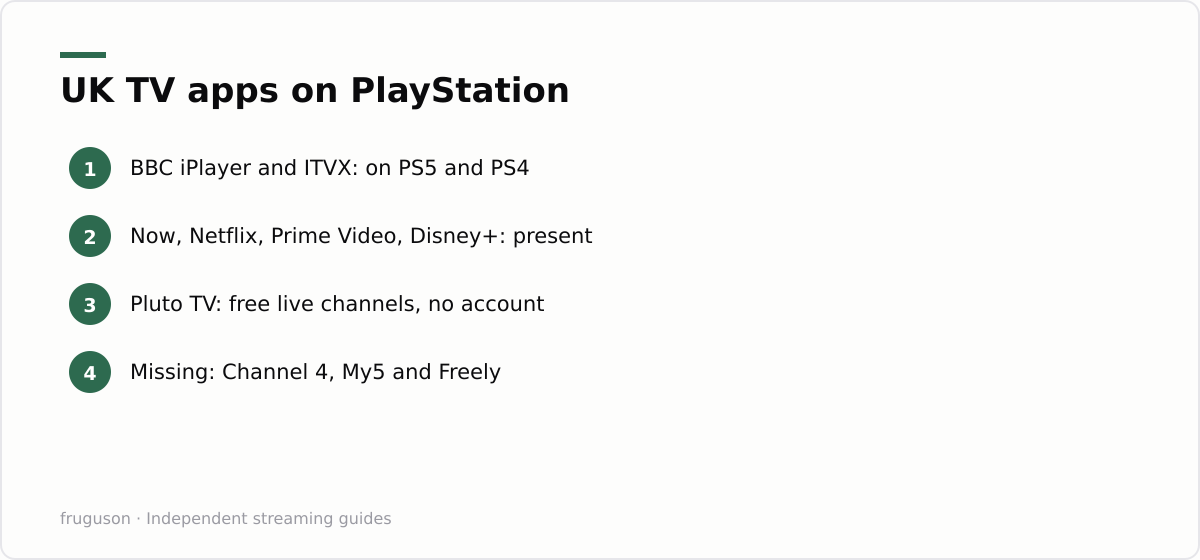
- BBC iPlayer: on PS5 and PS4, stable and regularly updated
- ITVX: on both consoles, having finally arrived in late 2023 after years away
- Now: on both, covering Sky Sports, Cinema and Entertainment memberships
- Netflix, Prime Video and Disney+: on both, with 4K HDR playback on PS5
- YouTube and Apple TV: on both, YouTube in 4K on PS5
- Pluto TV: free ad-supported live channels and box sets on both consoles
- discovery+: on both, which matters for TNT Sports subscribers
Free linear telly deserves a specific mention. Pluto TV gives you a proper channel-surfing grid without spending a penny, and it is the closest thing PlayStation owners get to flicking through Freeview. Pair it with iPlayer and ITVX and a spare bedroom PS5 covers most casual viewing on its own.
Notice what the list leaves out. Channel 4 publishes no PlayStation app at all, so Taskmaster and Gogglebox catch-up needs a different device in the room. My5 is missing too. Freely, the broadcaster-backed Freeview successor, ships only inside compatible smart TVs, so no games console will ever carry it. That is the complete universe of IPTV on PS5; for a deeper look at what each service actually offers, our roundup of the best IPTV apps in the UK ranks the lot.
Sport deserves a word of its own. Between Now for Sky Sports and discovery+ for TNT Sports, plus Prime Video’s occasional fixtures, a PS5 can officially show the large majority of televised UK football, and every one of those routes survives scrutiny in a way a £60 “everything included” seller subscription never will.
The gaps against Xbox
Anyone choosing between consoles primarily for television should know that Microsoft’s machine wins the category comfortably. The Xbox store carries Channel 4 and My5, both absent on PlayStation, and it includes a full Edge web browser that can reach almost any streaming service’s website in a pinch. Sony’s equivalent is a hidden browser with no address bar, which is useless for deliberate viewing.
Xbox also permits proper media player utilities with broad local-format support, and its store policy is simply friendlier to non-game software. We covered the whole comparison in our guide to IPTV on Xbox, and the short version holds: if telly apps are half the reason you are buying a console, buy the Xbox. If the PS5 is already under your TV, the gaps are irritating rather than fatal.
Picture settings: 4K, HDR and frame rate
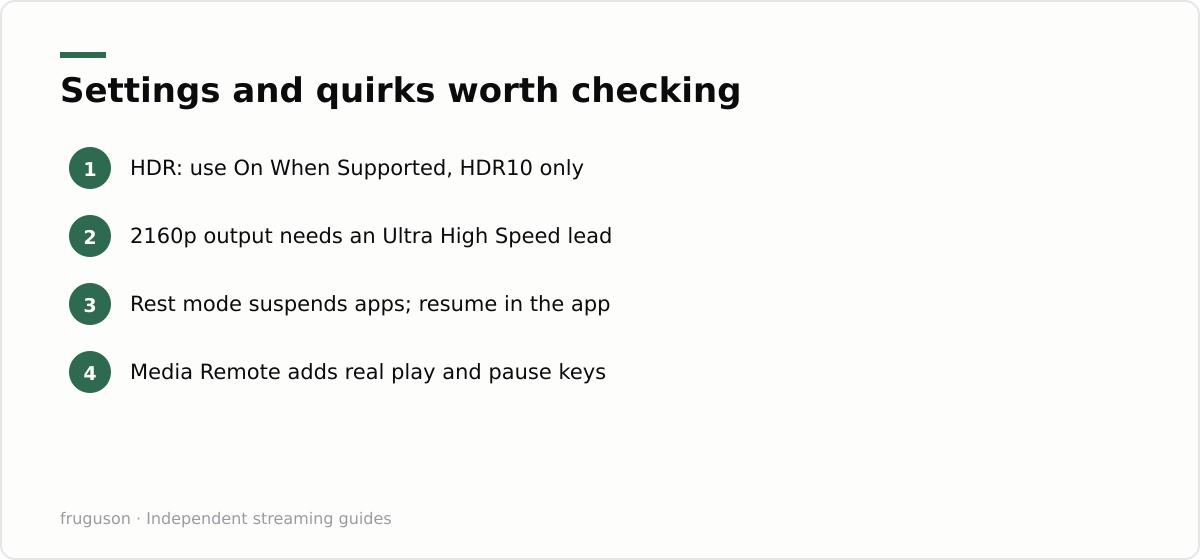
Out of the box the PS5 usually behaves itself, but three settings deserve a quick audit. Open Settings, then Screen and Video, then Video Output. Set Resolution to 2160p if your TV accepts it, and leave 4K Video Transfer Rate on Automatic unless you see flicker. Set HDR to On When Supported rather than Always On; the Always On mode forces menus and standard content into HDR and can leave apps looking washed out. While you are in there, run the Adjust HDR tool once, in the lighting you actually watch in, because the factory calibration assumes a bright showroom.
Two honest limitations remain whatever you tweak. The PS5 outputs HDR10 but not Dolby Vision, so Netflix and Disney+ titles mastered in Dolby Vision fall back to the plainer HDR10 layer; the picture stays strong, yet a £50 streaming stick can genuinely beat a £480 console here. Audio has improved since launch, with Dolby Atmos available for media apps on recent firmware, though soundbar and receiver behaviour varies enough that you should test your own kit rather than trust a spec sheet.
Cabling causes more mystery faults than settings do. Use the HDMI lead that shipped in the box or a certified Ultra High Speed replacement, because tired old cables produce 4K HDR handshake dropouts that look exactly like an app crashing.
The media remote and other control options
Controlling television with a DualSense pad works, though it fights you. The controller sleeps aggressively to protect its battery, and waking it mid-episode yanks you out of the programme. Two fixes exist, and the free one is buried in Settings, Power Saving, Set Time Until Controllers Turn Off, where a longer window stops the mid-film blackouts. The paid fix is Sony’s official Media Remote, a slim PlayStation media accessory that cost roughly £20-25 when we checked July 2026. It carries dedicated launch buttons for Disney+, Netflix, Spotify and YouTube along with proper play and pause keys, and it can drive your TV’s power and volume too.
HDMI-CEC offers a third route at no cost. Switch on Enable HDMI Device Link inside the PS5’s HDMI settings and many TV remotes will then pause and resume apps directly. Behaviour varies by TV brand, but it takes thirty seconds to try.
Rest mode mid-stream: what actually happens
Rest mode is the PS5’s low-power sleep state, and it treats video apps roughly. Send the console to rest during an episode and the app is suspended while the network stream drops; on waking, the app almost always relaunches to its own home screen rather than your paused frame. You have not lost your place entirely, because every mainstream service tracks position on its servers, so the Continue Watching row gets you back within a few seconds. A Fire TV Stick or a Sky Stream puck handles the same interruption far more gracefully, and that difference grates daily if the console is your main box.
There is a setting worth checking once. Settings, System, Power Saving, Set Time Until PS5 Enters Rest Mode includes a separate timer for During Media Playback, which stops the console dozing off in the middle of a film while still letting it sleep after you do. Fall asleep during a box set and the machine eventually rests itself, which matters because an idle PS5 draws vastly more power than any streaming stick sat in standby.
Updates are the one place rest mode genuinely helps. App and system updates install while the console sleeps, so your telly apps stay current without ever showing you a progress bar.
How the PS4 compares
Owners of the older console keep most of the essentials. iPlayer, ITVX, Now, Netflix, Prime Video, Disney+, YouTube and Pluto TV all still publish PS4 apps as of July 2026, which is a better survival rate than plenty of old smart TVs manage. The hardware sets the limits. A base PS4 or Slim tops out at 1080p, and only the PS4 Pro outputs 4K; HDR behaviour across apps is patchier than on the newer machine. Menus load slower and the fans on an ageing launch unit can drown out quiet dialogue. Boot times feel glacial next to a stick that wakes instantly.
App support is the longer-term worry. Streaming services trim legacy platforms first whenever budgets tighten, so expect the PS4 list to shrink over the next few years rather than grow. As a spare-room catch-up box for someone who already owns one it still earns its shelf space; nobody should buy one for television duty in 2026.
Verdict: a decent second box, a poor main one
Judged purely as television hardware, the console lands mid-table. Everything mainstream plays reliably, and 4K HDR10 output looks strong on the PS5. Entry cost for an existing owner is zero. Against that sit the missing Channel 4 and My5 apps, no Dolby Vision, clumsy resumes after rest mode, and idle power draw that a dedicated streamer embarrasses.
People who want to watch TV on PlayStation because the machine is already plugged in and warmed up should go right ahead: install iPlayer, ITVX, Now and Pluto TV tonight and you have spent nothing. Anyone designing a living room around their viewing should instead put £30-60 towards a dedicated streamer and let the console concentrate on games. Our UK IPTV equipment guide weighs up which stick or box deserves that money, and every candidate in it runs the full set of PS5 streaming apps plus the ones Sony never got.
Frequently asked questions
Can you install IPTV player apps on a PS5?
No, the PlayStation Store carries no M3U or playlist-based IPTV players and the PS5 has no sideloading route. You are limited to licensed apps such as BBC iPlayer, ITVX, Now, Netflix, Prime Video and Pluto TV. Seller subscriptions promising every channel are unlicensed and simply cannot run on the console.
Does the PS5 stream in 4K HDR?
Yes. Netflix, Prime Video, Disney+ and YouTube all play in 4K on the PS5, and it outputs HDR10. It stops short of Dolby Vision, so titles mastered for that format fall back to the standard HDR10 layer. Set HDR to On When Supported under Screen and Video, and use a certified Ultra High Speed HDMI lead so 2160p handshakes reliably.
Is the PS4 still worth using as a streaming box?
As of July 2026 the major UK apps, including iPlayer, ITVX, Now and Netflix, still run on PS4. A base PS4 caps out at 1080p and only the Pro model outputs 4K, so picture quality trails the PS5. It remains a fine spare-room box, though nobody should buy one for telly in 2026.
Summarize this post with:
Follow How To Watch Streaming on Google News so you never miss a new guide.


Leave a comment