EE TV Box Explained: Setup, Channels and Whether to Bother
A plain spoken guide to the EE TV box: the three hardware routes, channel packs, aerial hybrid tricks and an honest verdict on value.
Contents
EE swallowed BT’s consumer telly business in 2023, and the EE TV box is what came out the other side. Same platform underneath, new badge on the front. The headline change is choice: you can take your channel packs on a traditional recorder style box or on an Apple TV 4K. This guide covers the hardware routes and the channel packs, walks through setup, then explains the aerial hybrid features. It also tackles the question EE marketing prefers to skip, namely whether a cheap streaming stick plus a couple of memberships would serve your household better for less money.
A BT TV replacement in all but name
If you had BT TV, you already know most of this platform. EE TV is the direct BT TV replacement, launched when BT folded its consumer products into the EE brand. The guide layout carried over, and so did the packs and the Now integration underneath them. What changed is the hardware range and the name on your bill. Nothing about the viewing itself had to change at all.
One rule has never moved. This is EE broadband TV in the strictest sense: the service only works over an EE or BT broadband line, because most channels arrive as internet streams rather than through a dish or cable. Cancel the broadband and the TV service dies with it. That tie in matters. It means you cannot shop the TV side around separately when your renewal price climbs, which is a genuine negotiating handicap worth understanding before you sign anything.
Sky channels come through official Now memberships baked into the packs. TNT Sports comes through discovery+. Catch-up means the real apps from BBC iPlayer and ITVX, alongside Channel 4 and 5, not scraped copies running on somebody’s rented server.
Which EE TV box should you pick?
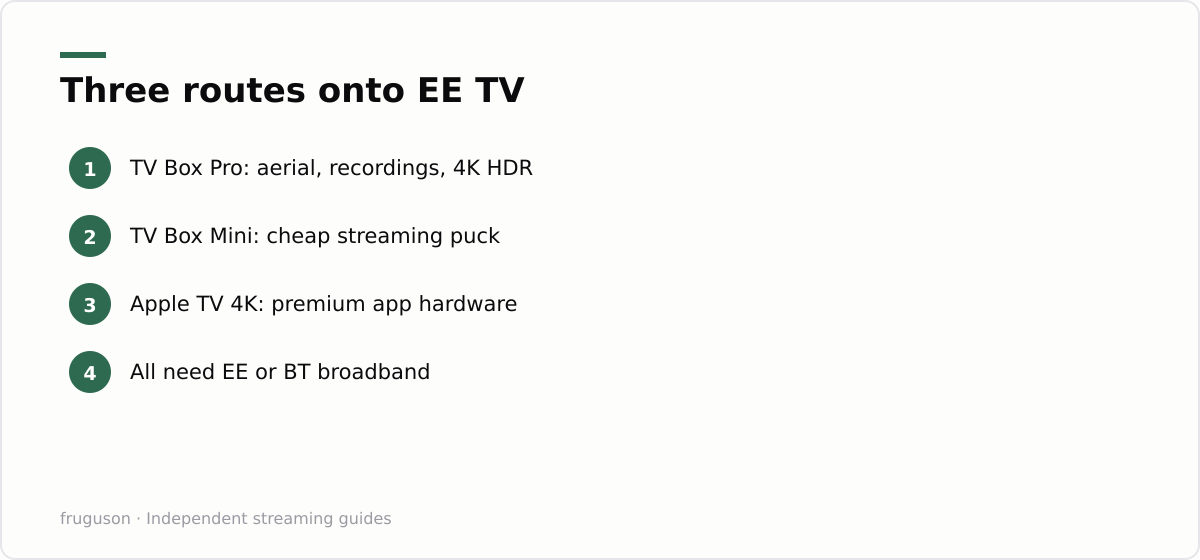
There are three routes onto the platform, and they suit quite different homes.
Top of the range sits the TV Box Pro, the full fat option. It records onto internal storage and tunes Freeview channels through your aerial. It also streams the IP channels and outputs 4K with Dolby Vision and Dolby Atmos where the content supports it. Households that keep a recordings library and love a traditional planner should ask for this one and nothing else.
Below it sits the TV Box Mini, a small streaming puck. No aerial input and no recordings; everything arrives over broadband. It exists mainly as a cheap multi room extension, though a light viewer could happily run it as the main box.
Then there is the Apple TV 4K route, easily the most interesting of the three. EE will supply Apple’s own streamer with the EE TV app on it, delivering your channel packs alongside the full tvOS app store. You get arguably the best mainstream streaming hardware on sale, and it stays useful if you ever leave EE. We have written before about running IPTV apps on an Apple TV 4K, and everything there applies here: it is quick, it is private by streamer standards, and every major UK catch-up app is present.
| Route | Aerial input | Recordings | Picture | Best for |
|---|---|---|---|---|
| TV Box Pro | Yes | Yes, internal storage | 4K, Dolby Vision | Recording habits, traditional planner |
| TV Box Mini | No | No | Up to 4K streams | Second rooms, light viewers |
| Apple TV 4K | No | No | 4K, Dolby Vision | App heavy homes, long term flexibility |
Fair warning on the Apple route. The EE TV app on Apple hardware carries the channels, but you lose the recording planner and the aerial hybrid tricks. If your household lives inside a recordings list, buy the Pro. Full stop.
Channels, packs and the Now question
Base channels come without extra charge on any EE TV box: the main terrestrial line up over IP or aerial, plus a spread of free streaming channels similar to what Pluto TV and Samsung TV Plus offer elsewhere. Paid packs sit on top, and here EE plays its cleverest card. Rather than licensing Sky channels directly, the Entertainment pack simply includes a Now Entertainment membership. Sky Atlantic and Sky Max arrive through Now, woven into the EE guide so they feel native rather than bolted on.
Sport works the same trick in reverse. TNT Sports comes via discovery+ and carries Champions League football plus its slice of Premier League rights. Sky Sports arrives through a Now Sports membership if you add it. Netflix can be bundled and billed through EE, which tidies the paperwork if nothing else. A kids pack and other add ons rotate in and out of the line up over time, so check what is current when you order.
Prices move around too much to print with confidence. As a rough shape, checked July 2026, entry packs sit in the £10-20 a month band on top of your broadband, and a heavy stack with sport pushes well past £40. Always price the same memberships bought directly against the EE bundle before signing. Some months the convenience premium is tiny; other months it quietly does real damage to your budget.
EE TV setup, step by step
The EE TV setup process is one of the easier jobs in UK telly. Here is the honest walkthrough for the Pro box; the Mini and Apple routes are simpler still.
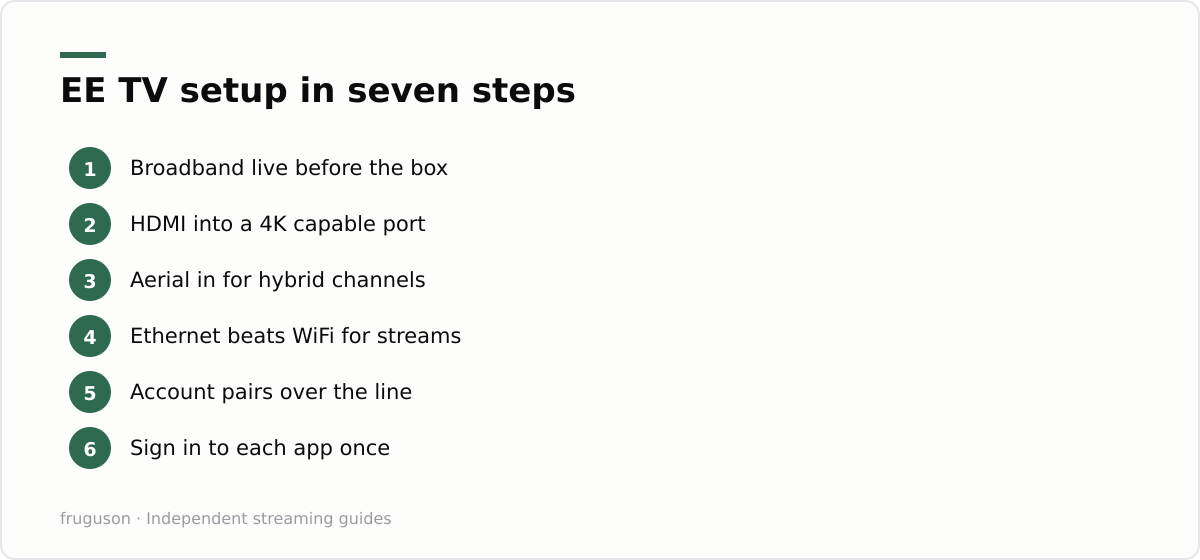
- Wait for your broadband to go live first. The box will sulk without it.
- Plug the box into power and into your TV with the supplied HDMI lead, using an HDMI 2.0 or better port for 4K.
- Connect your aerial lead into the back of the Pro if you have a working rooftop aerial. This unlocks the hybrid features covered below. No aerial? The box still works fine over broadband alone.
- Wire in ethernet if the router sits close by. WiFi copes on a decent EE router, but ethernet removes a whole category of buffering complaints in one move.
- Follow the on screen pairing. The box finds your EE account through the broadband line, so there is very little typing.
- Sign in to the individual apps. iPlayer wants a BBC account and Netflix wants its own. Now backed packs activate through your EE credentials.
- Run the channel scan if the aerial is connected, then set your recording defaults and picture output.
Give it an evening before judging picture quality. IP streams often open at a conservative bitrate and settle once the box has measured what your line can carry. Recordings from the aerial look broadcast perfect from the first minute, because they are broadcast.
What the aerial hybrid actually does
This is the Pro’s party trick and the reason the box exists. With an aerial connected, it blends broadcast Freeview channels and IP delivered ones into a single guide. Broadcast versions carry zero buffering risk, because they never touch your broadband. Recordings tune from the aerial too, so a full evening of capturing programmes does not eat your bandwidth while you stream something else in another room.
Should your broadband drop, the aerial channels keep working. That resilience is the strongest argument for the Pro over any pure streaming device, and it is the same logic behind Freely on new tellies. Homes in poor signal areas can skip the aerial entirely and take every channel over IP, which is exactly what plenty of flats end up doing.
Apps, 4K and streaming quality on EE TV
Beyond the channel packs, every EE TV box doubles as a full streaming device, and the app selection is a big part of the value. The main UK catch-up apps, BBC iPlayer, ITVX, Channel 4 and My5, sit alongside Netflix, Prime Video and the rest, so the box handles on-demand viewing as comfortably as live channels. The Apple TV 4K route goes furthest here, opening the entire tvOS App Store, while the Pro and Mini carry the core apps most households actually use. Our guide to the best IPTV services in the UK covers which subscriptions are worth pairing with the box.
Picture quality is a genuine strength on the Pro and the Apple route. Both output 4K with Dolby Vision HDR and Dolby Atmos sound where the content and your telly support it, so premium apps and the top-tier channel streams look the part. IP delivered channels open at a conservative bitrate and sharpen once the box has measured your line, which is why the first minute can look soft before it settles. Recordings pulled from the aerial on the Pro are broadcast quality from the very first frame, since they never touch your broadband at all. For the smoothest streams, a wired ethernet link to the router removes the buffering that Wi-Fi occasionally introduces on a busy evening.
EE TV box or a stick and memberships?
Here is the comparison EE would rather you never ran. A £30-60 streaming stick plus direct memberships for Now and discovery+, with Netflix on top, delivers almost the same content as the packs. You lose the unified guide, the single bill and the aerial hybrid tricks. You gain flexibility. Cancel any membership in any month, and switch broadband provider without your telly disappearing. Hardware bought outright stays yours forever.
Sometimes the sums favour the box. A household that wants the recording planner and holds a decent aerial will find the Pro earns its keep, especially if one bill beats juggling five separate apps. Viewers who already rotate memberships happily will usually win on price with the stick route, and our breakdown of the cheapest way to watch TV shows how far a careful rotation strategy stretches a modest budget.
For flexibility with premium kit, the Apple TV 4K route splits the difference nicely. You keep serious hardware after the contract ends, and the packs run only for as long as you actually want them.
Verdict: who should actually order one
Order the Pro if you record telly, own an aerial and want Sky channels without a Sky contract. It is the most capable box BT or EE has ever shipped, and the hybrid design genuinely earns its place in the living room. Take the Apple TV 4K route if your viewing is app led and you like hardware that outlives any contract. Skip EE TV entirely if your broadband sits with another provider, because the service simply will not be available to you; a stick with direct memberships does the job for less and with zero lock in. Before ordering, spend five minutes pricing the packs against the same memberships bought directly. That small comparison settles the whole decision, and the answer shifts with every price rise EE or Now announces.
Frequently asked questions
Do I need EE broadband to get the EE TV box?
Yes, the service only runs over an EE or BT broadband line because the channels arrive as internet streams. If you cancel or switch your broadband away, the TV service ends with it. There is no standalone version you can take to another provider.
Can I get Sky channels on EE TV?
Yes, through Now memberships that EE builds into its packs. The Entertainment pack includes Now Entertainment, which carries Sky Atlantic and Sky Max, and a Now Sports membership can be added for Sky Sports. The channels appear inside the normal EE guide.
Does the EE TV box support 4K and HDR?
Yes. The TV Box Pro and the Apple TV 4K route both output 4K with Dolby Vision HDR and Dolby Atmos sound where the content and your television support them, and the smaller TV Box Mini streams up to 4K as well. IP channels can open at a lower bitrate and sharpen after a few seconds once the box has measured your broadband line.
Summarize this post with:
Follow How To Watch Streaming on Google News so you never miss a new guide.

Leave a comment