IPTV on Nvidia Shield: The Power User UK Setup
A hands-on UK guide to licensed IPTV on the Nvidia Shield: Play Store apps, wired networking for live sport and an honest verdict on who needs one.
Contents
The Nvidia Shield TV Pro has not had a proper hardware refresh since 2019. On paper it should be dead. Ask any UK streaming enthusiast which box they trust for Saturday football, though, and the same name keeps coming up. This guide covers IPTV on Nvidia Shield done the official way: licensed UK apps from the Play Store, the wired network trick that keeps live sport stable, and the picture settings most owners never find. There is an awkward question at the end too, answered honestly, because plenty of households would be better off spending £40 on a stick and keeping the change.
Why enthusiasts still buy an ageing box
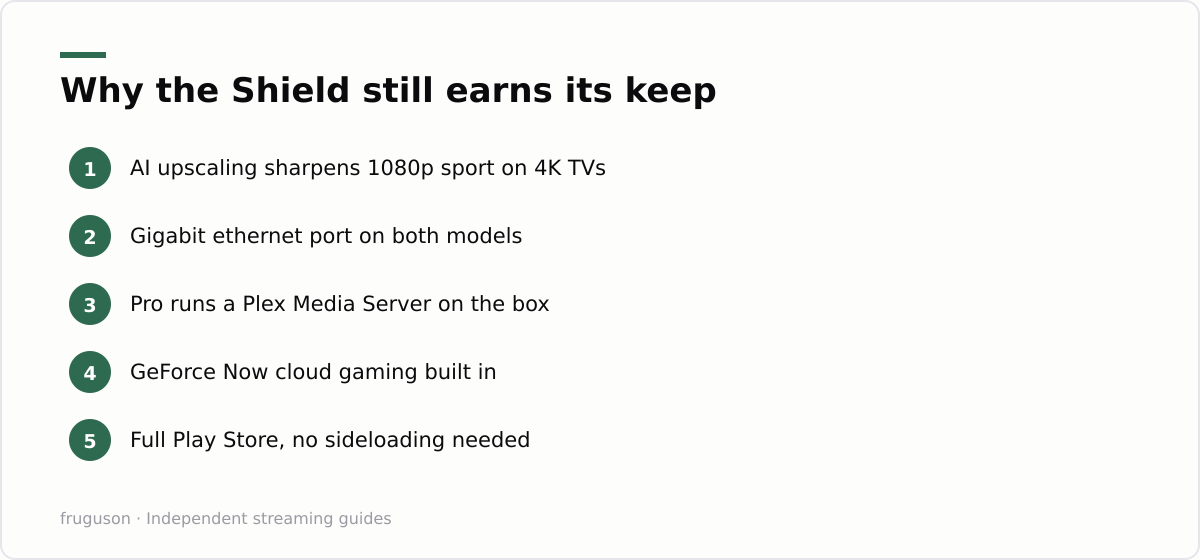
Credit the Tegra X1+ chip and what Nvidia built around it. AI upscaling is the headline act. Most UK broadcast streams still arrive at 1080p or lower, even on premium sport channels, and the Shield’s AI model sharpens that picture on a 4K panel far more convincingly than the basic scalers inside cheap sticks. Watch a midweek Championship match on a 55 inch telly with upscaling enabled and the shirts stop smearing into the grass. It is the closest thing to a free resolution upgrade a UK viewer can get.
Hardware does the rest. Both current models carry a gigabit ethernet port, something no mainstream UK streaming stick offers. The Pro adds two USB 3.0 ports and 3GB of RAM, enough to run a Plex Media Server directly on the box, so a personal film library streams around the house without a separate NAS humming in a cupboard. Dolby Vision and Atmos passthrough complete the spec sheet, and storage expands over USB. In any Android TV box UK roundup written since 2020, the Shield Pro has sat at or near the top, which is remarkable for silicon this old. Nvidia has also kept shipping software updates for years longer than most rivals bother with. Pricing has barely moved either: checked July 2026, the Pro still hovers around £130-150 while the tube model sits nearer £110.
Gamers get a bonus as well. GeForce Now, Nvidia’s cloud gaming service, runs natively and turns the same box into a capable games machine on a decent connection. None of the sticks can match that.
Setting up IPTV on Nvidia Shield: the UK app run
Everything you need installs from the Google Play Store in roughly twenty minutes. No sideloading and no “unknown sources” toggle to configure. None of that tinkering is necessary: the Play Store apps give you a superb setup out of the box.
Work through the install in this order:
- Sign in with your Google account and let the box pull the latest Shield Experience update before touching anything else.
- Install the catch-up backbone: BBC iPlayer, ITVX, Channel 4, My5.
- Add the free live streamers. Pluto TV, Rakuten TV, The Roku Channel: each carries linear channels at no cost, funded by adverts.
- Layer on the paid services you already subscribe to, such as Now for Sky content and discovery+ for TNT Sports, then Netflix and Prime Video.
- Hold down each app tile on the home row and reorder it so live TV apps sit first.
One quirk worth knowing: Freely, the streaming successor to Freeview, ships inside new TV sets rather than as an installable app, so on the Shield you assemble the same broadcaster channels yourself through the individual apps above. The Shield TV Pro apps catalogue is identical to the cheaper tube model, so nothing in that list is Pro exclusive. What differs is headroom. Extra RAM keeps more apps resident in memory, which means less reloading when you flick between a match on discovery+ and the headlines on iPlayer. For deeper reviews of each service, our roundup of the best IPTV apps in the UK ranks every licensed option we cover. A short warning while you are in the Play Store: search results sometimes surface generic “IPTV player” shells built for M3U playlists sold by third parties. Those player apps are legitimate software; the subscription playlists people buy to feed them almost never are, and the final section explains why.
The gigabit ethernet advantage for live sport
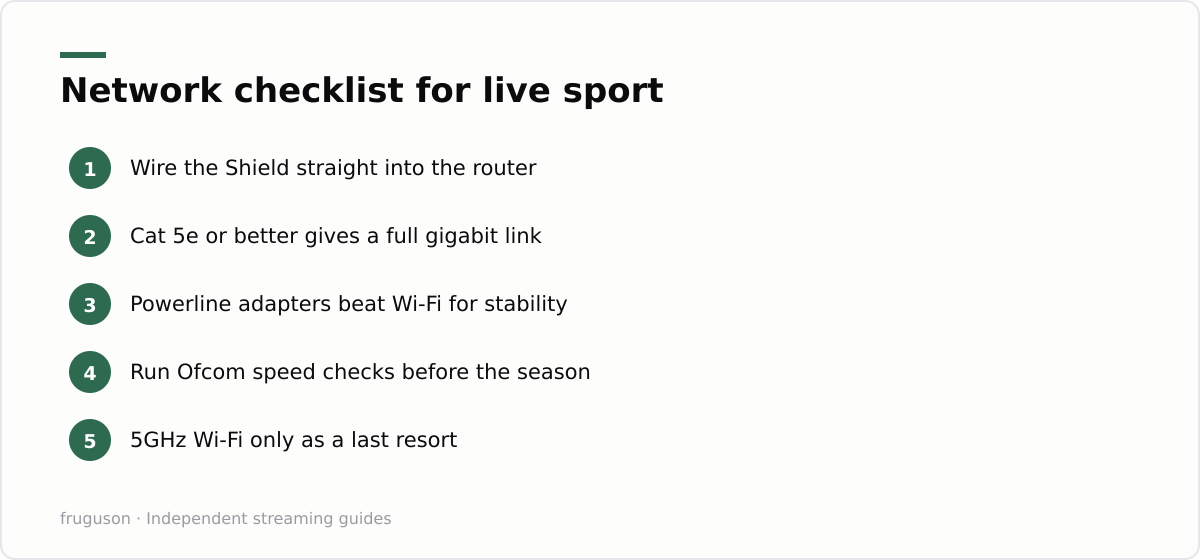
Live sport is the one workload where buffering is unforgivable. A recorded drama can pause for two seconds and recover. A last minute penalty cannot. Wi-Fi in a typical UK terrace or flat fights with neighbouring networks, thick brick walls and the microwave in the kitchen. A wired connection removes every one of those variables at a stroke.
Run a Cat 5e or better cable from your router into the Shield’s ethernet port and the box negotiates a full gigabit link. Your broadband line becomes the only bottleneck. Ofcom publishes plain English guidance on checking and improving your speed at its broadband speeds hub, and running those checks before the football season starts is a sensible ritual. As a rough guide, live HD streams want a sustained 10Mbps or so, while 4K sport wants 25Mbps and up. Most UK connections clear those bars easily on paper, yet a congested wireless link can still fail to deliver at 9pm on a Tuesday when every neighbour is streaming too.
Cable runs are not always practical, and there are two honest fallbacks. Powerline adapters push the network signal over your mains wiring and usually beat Wi-Fi for stability, though results vary house by house. Otherwise pick the 5GHz band on the least crowded channel and accept the compromise. Even then your Shield streaming setup will outperform a stick jammed behind a hot telly, because the Shield sits in free air with proper antennas rather than cooking next to an HDMI port.
Match refresh rate: the fix for juddery football
UK television is broadcast at 50Hz. Most streaming boxes output a fixed 60Hz regardless, which forces uneven frame repetition, and that shows up as a subtle stutter every time the camera pans across a pitch. The Shield can fix this properly, but the switch is buried. Open Settings, then Display and Sound, then Advanced Display Settings, and enable Match Content Frame Rate. Pick the seamless option if your telly supports it. From that point a 50fps ITVX or Now stream reaches your TV at a native 50Hz and pans turn glassy. This single toggle does more for IPTV on Nvidia Shield than any app you will install.
Stay in that menu for one more minute and look at the upscaling controls. AI upscaling offers several intensity levels; the default is conservative, and sport often looks better one notch higher. A built in demo mode splits the screen so you can compare the processed half against the raw feed on your own panel. Set Dolby Vision or HDR10 to match what your TV genuinely supports rather than leaving everything on automatic, since some older sets handshake badly and drop to a dim, washed out picture. None of this needs technical knowledge, just patience and a spare quarter of an hour.
The Shield as a home media hub
Streaming apps are only half of what the Shield does well. The Pro model turns the box into a proper media server thanks to two USB 3.0 ports, 3GB of RAM and a chip with real transcoding muscle. Install Plex Media Server directly on the Shield, point it at an external drive full of your own films and home videos, and every other screen in the house, a phone, a laptop, a smart TV in the spare room, can stream from it without a separate NAS whirring away in a cupboard. Kodi and Jellyfin run just as happily for anyone who prefers them.
Audio is where the Shield quietly pulls ahead too. It passes through Dolby Atmos and DTS soundtracks untouched to a soundbar or AV receiver, so a film’s object based audio arrives intact rather than downmixed to stereo. Pair that with the Dolby Vision passthrough covered earlier and a good file looks and sounds close to the original on the right kit. Storage expands over USB whenever the library outgrows the box, and because the Shield sits in open air rather than baking behind a television, it stays cool enough to handle those bigger jobs without throttling partway through a film.
Shield Pro or a cheap stick: the honest comparison
| Feature | Nvidia Shield Pro | Typical UK streaming stick |
|---|---|---|
| Price (checked July 2026) | around £130-150 | roughly £30-70 |
| Ethernet | gigabit, built in | none, or via a clumsy adapter |
| Upscaling | AI driven, adjustable | basic scaler |
| Match refresh rate | yes, seamless on supported TVs | varies by model |
| Plex Media Server | yes, on the Pro | no |
| Licensed UK apps | full Play Store | full or near full |
| Cloud gaming | GeForce Now native | limited or absent |
Read that table coldly and the stick argues well for itself. Every mainstream licensed service now runs happily on hardware costing a fifth as much. If your telly is a recent 4K set with decent internal processing, and your viewing leans towards drama and box sets rather than live sport, the Shield’s advantages shrink to almost nothing. Our guide to IPTV on an Android TV box covers that cheaper end of the market in detail, while the wider UK IPTV equipment guide walks through the full shopping list from remotes to routers. Be suspicious of anyone who tells you a £150 box is mandatory for watching licensed telly. It is not, and this site would rather you knew that before you spent anything.
Verdict: who should actually order one
Buy the Shield Pro if at least two of the following apply. You follow live sport most weekends. Your router sits within cable reach of the television. You keep a personal media library that Plex could serve to other rooms. Your panel is big enough that upscaling quality is visible from the sofa, or GeForce Now appeals as a bonus. Tick two or more and the ageing flagship remains the best Android TV device money can buy in Britain, with a longevity record suggesting it will keep earning its price for years yet. Everyone else should pocket the difference: a modern stick paired with a solid broadband line delivers most of the same catalogue for a fraction of the outlay. Your homework for the weekend is simple. Measure whether an ethernet cable can reach the telly without wrecking the hallway, because that single answer decides which device deserves your money.
Frequently asked questions
Is the Nvidia Shield still worth buying in 2026?
For live sport fans and Plex users, yes; the AI upscaling and gigabit ethernet still have no rival among UK streaming devices. For a household that mostly watches drama and box sets on a modern 4K TV, a £30-70 stick delivers most of the same licensed apps. Decide based on how much live football you actually watch.
Does the Nvidia Shield support Dolby Vision and Dolby Atmos?
Yes. Both current Shield models pass through Dolby Vision HDR and Dolby Atmos audio to a compatible TV or AV receiver, from streaming apps and from local files played through Plex or Kodi. Set the display and audio to match what your equipment actually supports rather than leaving everything on auto.
Can the Nvidia Shield play my own video files from a hard drive?
Yes. The Pro has two USB 3.0 ports and enough power to run a Plex Media Server on the box itself, streaming a personal library to other rooms without a separate NAS. It handles high bitrate 4K files and network shares that make cheaper sticks stutter or refuse to play them at all.
Summarize this post with:
Follow How To Watch Streaming on Google News so you never miss a new guide.


Leave a comment