What Is IPTV Smarters? The Player App Explained
A plain English guide to IPTV Smarters, the player app you see in most IPTV setup tutorials, what it does and how to load a source.
Contents
Search for almost any IPTV setup tutorial and you will hit the same screenshot: a login form asking for a username, a password and a server URL. That form belongs to IPTV Smarters, probably the most recognisable IPTV player app on the planet. Here is the detail most walkthroughs skip. The app contains no channels at all. It is an empty shell that plays whatever playlist you feed into it. That single fact explains almost everything about how the app behaves, why two people running it can see completely different line-ups, and what you actually need to supply before it will show you anything.
What is IPTV Smarters, exactly?
Strip away the branding and IPTV Smarters is a media player. Nothing more. It was built by an Indian software firm called WHMCS Smarters, and its job is to take a stream source you supply and wrap it in a friendly interface complete with channel logos and a programme guide. Think of it the way you think of VLC on a laptop. VLC plays whatever video you hand it, and nobody blames VLC for the file.
Sources go in two main ways. You can log in with Xtream Codes details, meaning a username and password plus a server address, which is the exact combination every tutorial shows on screen. Or you can point the app at an M3U playlist, a plain text file that lists stream URLs one after another. We unpack what an M3U playlist actually is in a separate guide, but the short version is simple: the playlist is the content, the app is only the window. Any competent M3U player would do the same job with a different coat of paint.
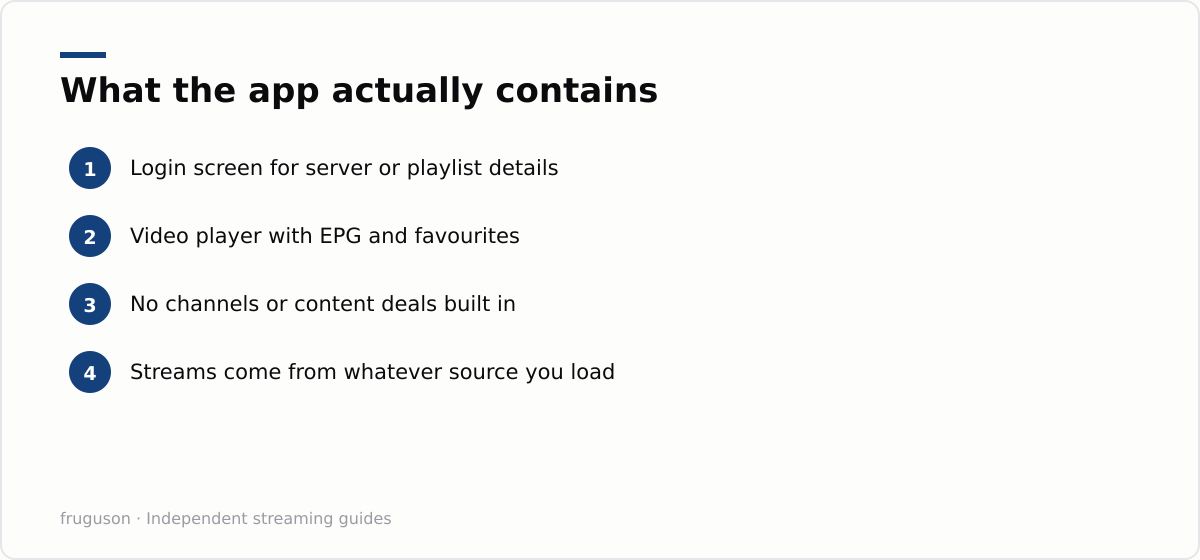
None of this is hidden in how the app behaves. IPTV Smarters has no idea what it is playing and never checks; it simply renders whatever channel list and stream addresses the source hands it. Point it at a playlist of free-to-air streams that a broadcaster publishes openly and it displays them with logos and a guide. Point it at a different source and the same screens fill with a different line-up. The software is a neutral window onto a source, which is why the quality of your experience depends far more on that source and your connection than on the app itself.
Xtream Codes login or M3U URL: which to use
IPTV Smarters accepts your service two ways, and knowing the difference saves a lot of guesswork when something will not load. An Xtream Codes login is a username, a password and a server address; an M3U playlist is a single URL (or a file) that lists every channel at once.
Prefer the Xtream Codes login when your provider offers it. Because the app talks to the server directly, it pulls the channel guide, categories and any video-on-demand library as structured data, which is why an Xtream setup shows a proper grid and film sections while a bare M3U often shows only channel names. An M3U URL is the fallback: simpler, universally supported, but it carries no schedule data on its own, so the guide depends on a separate source. If channels load but the guide is empty, you are almost certainly on an M3U link without an EPG attached; switching to the Xtream login, where available, usually fixes it in one step. Whichever you use, keep the exact server address, username and password to hand — a single wrong character is the most common reason the app sits on a blank loading screen.
Setting up IPTV Smarters and its main features
Because the app ships empty, the first thing it asks for is a source, and there are two routes in. The Xtream Codes login takes a username, a password and a server URL, after which the app pulls the channel list and programme guide down automatically. The M3U route instead points the app at a single playlist address or a file already on the device. Either way it remembers the profile, so you only enter the details once, and most versions let you store more than one source and switch between them from the home screen.
Once a source loads, the interface is where the app earns its reputation. Channels are grouped into categories down one side, a built-in electronic programme guide shows what is on now and next wherever the source supplies that data, and you can flag favourites so your regular channels sit together rather than buried in a long list. Separate live, film and series sections appear when the source tags its content that way, alongside a simple search box and the usual controls for pausing and resuming a stream.
A few settings are worth checking early. The app usually offers a choice of video player, and switching between the built-in decoder and a hardware one often cures stutter on cheaper boxes and sticks. An EPG time-offset option lines the guide up with UK time when it arrives skewed. And because the app leans entirely on the source and your connection, a wired ethernet link or a strong Wi-Fi signal does far more for smooth playback than any toggle inside the app itself.
Versions, rebrands and staying up to date
If you have shopped for the app you will have met several names for what is essentially the same player. IPTV Smarters Pro is the best known, with Smarters Player Lite and a handful of similarly named builds alongside it, sometimes from slightly different developer accounts. These come and go from the app stores over time, so the exact version available on a Fire TV stick, an Android box or an iPhone can differ from one month to the next, and a build you installed a year ago may since have been superseded.
Two practical habits save trouble. First, prefer the official app store on your device whenever a current version is listed there, because updates then arrive automatically and you can be confident the installer has not been tampered with. Second, keep the app updated rather than freezing on an old build. Newer versions track changes to the Xtream Codes API and add player fixes, so a source that suddenly stops loading is sometimes cured by an update alone. If no version is available for your device at all, that is usually a nudge to reach for one of the licensed apps covered later rather than hunting an installer down from an unfamiliar site.
Player app versus a real TV service
Put the two models side by side and the catch becomes obvious.
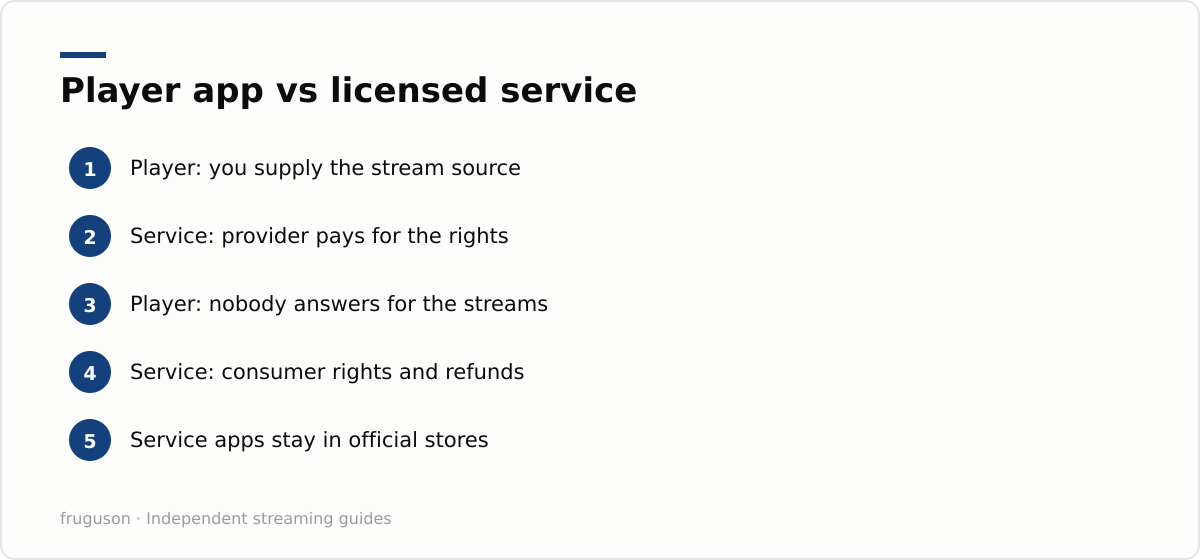
| Question | Generic player app | Licensed service app |
|---|---|---|
| Where the channels come from | A source you supply yourself | Content the provider includes |
| Who supports the stream | You and your source provider | A regulated UK company |
| App store presence | Comes and goes, sometimes rebadged | Listed permanently |
| What you pay for | Only the source, if anything | Content, apps and support together |
| Guide and extras | Depend on the source you load | Built in and maintained |
Licensed services bundle the player and the content together. Buy Sky Stream or Now and the app on your screen is the least interesting part of the product, because what you actually pay for is the content and the guarantee that it keeps working. A generic player flips that around: the app is the whole of what you install, and everything you watch depends on a source you arrange separately. Neither approach is wrong, but they suit very different people.
A neutral player has plenty of legitimate uses. Hobbyists point one at recordings from a home media server such as Jellyfin, some overseas broadcasters publish open playlist links for their own free channels, and anyone with an HDHomeRun tuner can feed in the Freeview channels an aerial already receives. If that describes you, IPTV Smarters is a capable, free way to bring those sources together under one tidy interface.
What legitimate viewers use instead
Nobody in the UK needs a generic player to watch proper telly. Free platforms already cover an enormous amount of ground. Freely streams the main broadcasters’ live channels over broadband with no dish or aerial required, and BBC iPlayer and ITVX ship first party apps on virtually every smart TV sold here, with Channel 4 and 5 right beside them. Pluto TV, Samsung TV Plus and The Roku Channel add hundreds of free ad supported channels without a single server login between them.
For pay TV, the licensed routes are just as straightforward. Sky Stream and Now deliver Sky content over broadband at prices that reflect what the rights actually cost, while discovery+ carries TNT Sports for live football beyond the Sky package. We keep a running comparison of the best IPTV services in the UK for 2026 with current pricing, and our guide to the best IPTV provider in the UK narrows things down to an honest recommendation for most setups. Pricing shifts often, so treat any figure you read as approximate until you have checked it yourself this month.
Our verdict on the app
IPTV Smarters is competent software. As a player it does its job well: it takes an Xtream Codes login or an M3U playlist, wraps it in a clean interface with a guide and favourites, and plays back reliably once you have picked the right internal video player for your device. If you already have a source of your own to load, whether a home media server, an overseas free-to-air playlist or an HDHomeRun feed, it is a sensible and free way to bring everything together on the big screen.
For most UK viewers, though, a generic player is more effort than it is worth. The official broadcaster and subscription apps come with their content already built in, sit permanently in the app stores, update themselves and answer to a real company when something breaks. Put those on your telly first, then spend ten minutes with our comparison guides picking a package that matches how you actually watch. The app you never have to configure is usually the one you will still be using next season.
Frequently asked questions
Is IPTV Smarters free to use?
The core player is free to download wherever it is available, and it does not charge for the app itself. It contains no channels, though, so anything you watch comes from a separate source you load in. Any cost sits with that source rather than the player, which is why two people running the same app can end up with completely different line-ups.
What is the difference between IPTV Smarters and IPTV Smarters Pro?
They are near-identical players from the same developer, with Pro and the various Player Lite builds mostly differing in branding and which store carried them at the time. All of them work the same way, an empty interface that plays whatever Xtream Codes login or M3U playlist you feed it, and feature gaps between versions are small and shift with each update.
What should UK viewers use instead of IPTV Smarters?
Licensed apps that bundle the content and the player together. Freely and BBC iPlayer cover free live viewing, with ITVX and Channel 4 alongside, and premium sport comes through Sky Stream or Now over broadband. Every one of them stays in official app stores because the content is properly licensed.
Summarize this post with:
Follow How To Watch Streaming on Google News so you never miss a new guide.
Leave a comment