IPTV on Roku in the UK: What Works and What Does Not
How IPTV on Roku works in the UK: Roku Express setup, official channel store coverage, free live TV, plus casting and the Roku mobile app.
Contents
- How IPTV on Roku works in the UK
- Roku Express setup, from box to first stream
- The Roku channels UK viewers actually get
- The Roku Channel and free Roku live TV
- Where Roku honestly trails Fire TV in the UK
- The closed store, casting and mobile-app tricks
- Which Roku model, and getting the sharpest picture
- Verdict: who should actually buy one
Roku sells a huge share of the streaming players in British living rooms, yet it gets far less attention than Amazon’s Fire TV Stick. IPTV on Roku is a genuinely different proposition from streaming on Amazon hardware, and the difference comes down to a single design decision: no sideloading, ever. Apps arrive through the official channel store or they do not arrive at all. That locked gate frustrates tinkerers and quietly protects everyone else. This guide covers the whole UK picture: setup, what the store actually holds, the free content, the honest gaps against Fire TV, and how casting fills them.
How IPTV on Roku works in the UK
IPTV simply means television delivered over broadband rather than through an aerial or a dish. By that definition BBC iPlayer is IPTV. So is ITVX. So is Now. Keeping those two senses separate matters, because they lead to very different places on Roku hardware.
Apps on this platform are called channels, and each one reaches your player through the official store after a certification process. You cannot install software from a USB stick or a random website, and no hidden developer toggle changes that for ordinary users. In practice, IPTV on Roku means the licensed kind delivered through proper apps. None of this holds the big broadcasters back; they all support the platform properly, because Roku’s UK install base is too large to ignore.
Roku Express setup, from box to first stream
Expect to pay £20-30 for the entry level Express, depending on offers (checked July 2026). The process below is identical from the cheapest stick up to the Ultra, so it applies whichever model you pick. Set aside fifteen minutes, and have your wifi password and an email address ready.
- Plug the player into a spare HDMI port and power it from the supplied adapter, or from a USB socket on the TV if that socket supplies enough current.
- Switch the TV to the matching input and follow the on screen remote pairing.
- Join your home wifi. Older Express units only support the 2.4GHz band, so keep the player reasonably close to the router if streams stutter.
- Sign in to a Roku account, or create one free at roku.com. No payment card is required, whatever the sign up flow seems to imply.
- Choose apps during guided setup, or skip that screen and add everything from the store afterwards.
Once the initial software update finishes, install the UK basics: iPlayer, ITVX, Channel 4, 5. Each one asks you to sign in with its own free account on first launch.
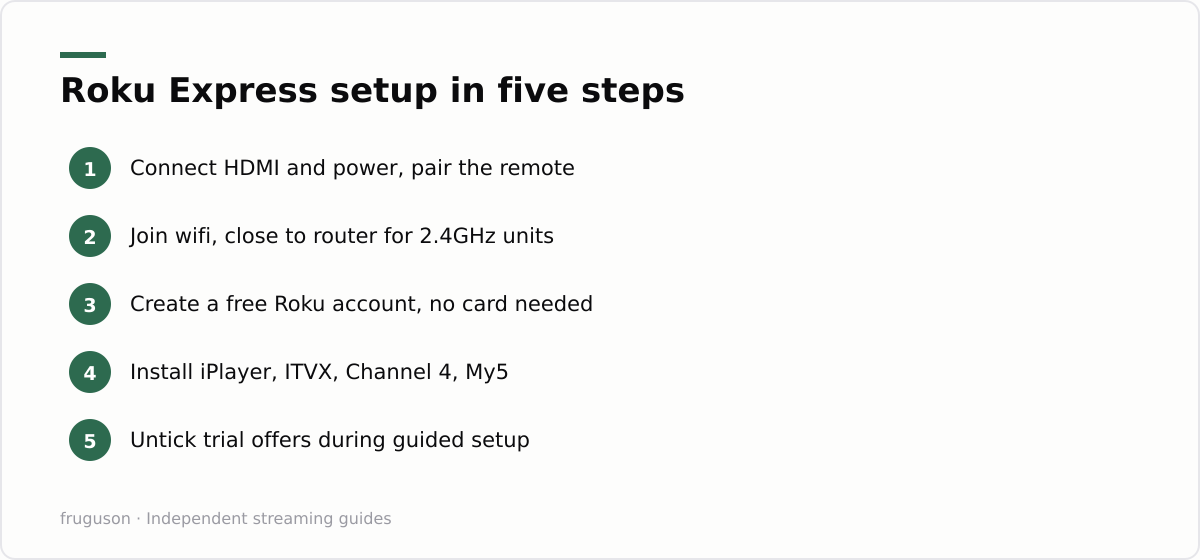
One note of caution about the guided screens. Roku presents free trials for paid services with pre-ticked enthusiasm, so untick anything you did not deliberately choose. Nothing in the Roku Express setup requires a subscription. The free broadcaster apps already cover a remarkable amount of television, and you can bolt paid services on later once you know what the household actually watches.
Install the mobile app on day one as well. Roku’s free phone app duplicates the remote and offers a proper keyboard for password entry. Typing an email address with the plastic remote’s direction pad is miserable, so the keyboard alone justifies the download. Private listening through headphones plugged into the phone comes as a bonus, and the app can also add channels remotely while you are away from the sofa.
The Roku channels UK viewers actually get
Store coverage of mainstream British services is close to complete. The Roku channels UK households lean on every day are all present and actively maintained:
- Catch-up with live simulcasts: BBC iPlayer, ITVX, Channel 4, 5
- Subscription: Netflix, Prime Video, Disney+, Apple TV+, Now
- Ad funded: Pluto TV, The Roku Channel, Rakuten TV’s free section
- Sport: discovery+ carrying TNT Sports, plus the usual highlights apps
Now deserves a special mention. It sells Sky’s entertainment catalogue without a dish or an engineer visit, and its Sports membership adds Premier League football, so a Roku plus Now covers most of what a full Sky subscription offers. Performance across these apps is generally solid, since certification forces publishers to hit stability targets before release. For a fuller tour of which services deserve your evenings, our roundup of the best IPTV apps in the UK applies to Roku almost unchanged.
Gaps do exist in the long tail. Some niche sports platforms and smaller broadcaster apps reach Fire TV first, and a handful never arrive on Roku at all, because publishers prioritise whichever platform holds the larger install base for their audience. It rarely bites for mainstream viewing. Check the store listing on Roku’s website for any specific must have service before you buy, since the on device store only shows what your region and model can run.
The Roku Channel and free Roku live TV
Owning the hardware also buys you The Roku Channel, the platform’s own free service, and it has quietly become a real reason to choose this ecosystem. Adverts fund it, so expect breaks at roughly commercial TV frequency. Its UK catalogue mixes films with boxsets and a rotating slate of linear streams, and none of it asks for card details. Quality varies, as it does on every free service; the originals are thin, but the licensed film catalogue turns up genuine surprises most months.
Free Roku live TV splits into two kinds, and the distinction matters. Linear streaming channels inside The Roku Channel or Pluto TV behave like old fashioned telly, complete with ad breaks, yet they are curated internet feeds rather than broadcast channels. BBC One or ITV1 as they actually go out stream live inside each broadcaster’s own app instead. No unified programme guide pulls all of this together. You hop between apps, and that fragmentation is the platform’s most irritating habit.
Where Roku honestly trails Fire TV in the UK
Both devices carry every mainstream British app, so the real differences live around the edges. Here is the fair comparison.
| Question | Roku | Fire TV Stick |
|---|---|---|
| Mainstream UK apps | All present | All present |
| Sideloading | Impossible | Possible |
| Voice control | Basic search only | Full Alexa |
| Home screen adverts | Modest | Aggressive |
| Unified live guide | No | Partial, via its Live tab |
Amazon’s stick wins on voice, and its Live tab stitches several services into something resembling a programme guide. It also permits sideloading, which sounds like an advantage but in practice mostly invites clutter and upkeep that Roku owners never have to think about. Roku wins on restraint. Its home screen sells to you far less aggressively, menus stay quick on cheap hardware, and updates rarely break things.
Neither stick supports Freely, the broadcaster backed service that gathers the main public service channels into a single live guide over broadband. Freely currently lives inside supported smart TVs rather than plug in players, and the details sit at freely.co.uk. If a proper unified guide matters more to you than a cheap stick, our IPTV equipment guide weighs streaming players against Freely televisions in far more depth.
The closed store, casting and mobile-app tricks
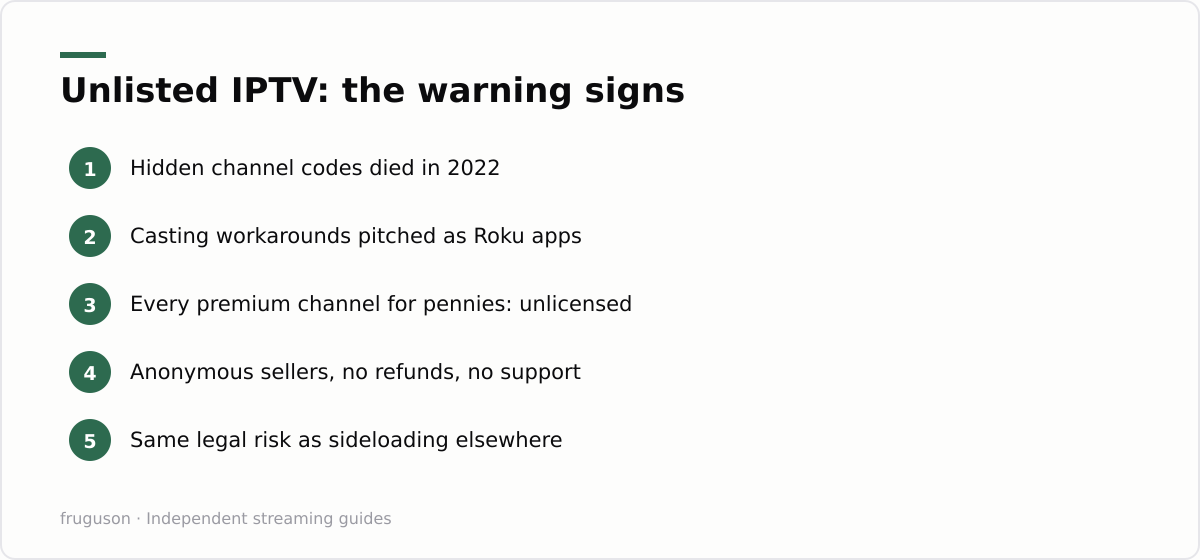
Roku’s refusal to sideload reads like a limitation, but in daily use it is the platform’s quiet strength. Every channel arrives through the certified store, so nobody can accidentally install a broken or dubious player, which makes a Roku a genuinely low-maintenance gift for a less technical relative. It is worth saying plainly, though, that a locked store only keeps junk off the device; it does nothing to change the rules around a cheap subscription you point at it from elsewhere. For the full picture on where that line sits, our guide to whether IPTV is legitimate in the UK sets it out in plain terms.
The free Roku mobile app is the accessory that pays for itself. Beyond the on-screen keyboard mentioned earlier, it offers private listening: route the sound to headphones plugged into your phone and the television stays silent, which is ideal for late-night viewing without waking the house. The same app can add channels remotely and gives you a second remote whenever the plastic one has wandered down the back of the sofa.
Casting and screen mirroring cover most of what the store does not. Roku supports casting from mobile apps that carry the cast icon, plus Miracast-style mirroring from Windows and Android devices, so a service without its own Roku channel can often still reach the big screen from a phone or laptop. Keep the player itself on the latest software to keep those features dependable: Roku updates automatically, but you can force a check under Settings, System, System update if a channel starts misbehaving after a platform change.
Which Roku model, and getting the sharpest picture
Roku’s range splits neatly by resolution. The entry level Express streams in full HD, which is plenty for a smaller or older television. Step up to a Streaming Stick 4K or an Ultra and you unlock 4K with HDR10 and Dolby Vision on supported sets, plus a faster processor that makes menus and app launches noticeably snappier. The Ultra adds an ethernet port and a longer wifi range, which earns its place if your router sits a few rooms from the telly.
Whichever model you own, spend a minute in the picture settings. Under Settings, then Display type, let the Roku auto detect the best resolution your TV accepts, or set it manually if a panel handshakes badly and drops to a softer image. For audio, match the setting to your gear: Auto passthrough hands Dolby Atmos or DTS to a soundbar or receiver, while Stereo keeps things simple on the TV’s own speakers. If an app looks grainy, the stream itself is usually the limit rather than the Roku, since many live channels still broadcast below 4K.
Verdict: who should actually buy one
Buy a Roku if you want licensed streaming with minimal fuss and a home screen that respects your attention. The Express costs less than a takeaway for two. Its store carries every service a British household genuinely needs. The absence of a back door is a safety feature wearing the costume of a limitation.
Pick a Fire TV Stick instead if Alexa control matters to you, or a Freely television if you want broadcast channels gathered into one guide without an aerial. Whichever way you go, the sensible order of operations never changes. Start with the free broadcaster apps. Add one paid subscription at a time, then cancel whatever stops earning its monthly fee. IPTV on Roku rewards exactly that kind of patience.
Frequently asked questions
Can you sideload IPTV apps on a Roku?
No. Roku only installs channels from its official store, and there is no developer mode for ordinary users to load outside software. If a service claims to work on Roku, it usually means casting or mirroring from a phone rather than a native channel, so check for an official Roku listing before you rely on it.
Why is my Roku running slowly, and how do I speed it up?
Cheaper Roku players have limited memory, so performance dips as channels pile up. Restart the player from Settings, System, Power, or pull the mains for ten seconds. Removing apps you never use and keeping the software updated both help, and a wired or 5GHz connection cuts buffering.
Is The Roku Channel really free in the UK?
Yes. Adverts fund it, no card details are needed, and it comes preinstalled on every Roku player. The catalogue rotates monthly, so titles come and go, but the linear streams give it a live TV feel at no cost.
Summarize this post with:
Follow How To Watch Streaming on Google News so you never miss a new guide.


Leave a comment