IPTV on iPhone and iPad: Watch Live TV Anywhere in the UK
A practical guide to watching live and catch-up TV on iPhone and iPad: the apps, offline downloads, AirPlay, data use and battery tips.
Contents
Your iPhone is a perfectly good television. IPTV on iPhone means nothing more exotic than watching live channels and catch-up shows through apps that stream over the internet, and every major UK broadcaster now gives one away free in the App Store. This guide covers the whole job: which apps to install, how to save programmes for journeys with no signal, how to push the picture onto a proper telly with AirPlay, and how much mobile data an hour of viewing gets through.
What IPTV on iPhone actually covers
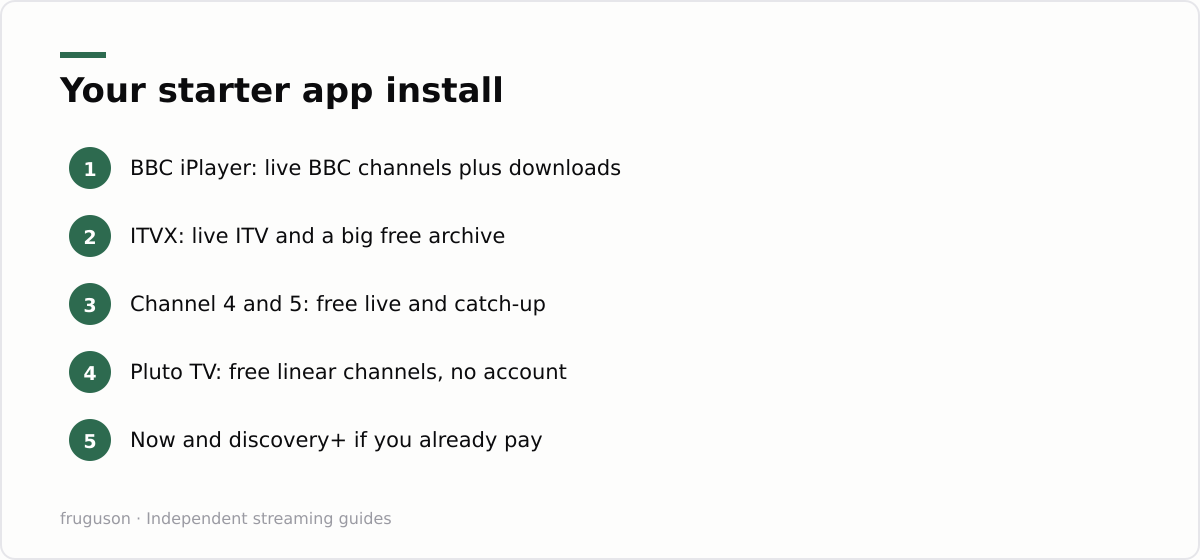
Internet protocol television is the long name behind the acronym. It covers any TV that arrives over broadband or a mobile signal instead of an aerial or a dish. Every mainstream UK broadcaster app qualifies. BBC iPlayer streams the live BBC channels next to its box sets. ITVX carries live ITV alongside a deep free archive. Channel 4 and the 5 app do the same for their networks. Pluto TV piles on hundreds of free ad-supported linear channels, while Now sells Sky programming without a dish on the roof. All of these sit openly in the App Store and all are properly licensed for the UK. The free ones cost nothing beyond adverts and an email address at registration.
That same acronym has a shadier second life in social media adverts. Sellers there push subscriptions at £50 a year or so, promising every sports channel on earth through a playlist file you feed into a generic player app. Those playlists bundle streams the seller has no right to distribute. The service can vanish overnight, and your card details end up with a stranger. They are also unreliable and prone to vanishing, and nothing in this guide requires anything of the sort. Licensed apps handle live British telly properly, and our roundup of the best IPTV apps in the UK ranks each one in detail.
Installing the essentials from the App Store
Start with the free broadcaster apps, since they carry most of British live TV between them. Ask which live TV app iPhone newcomers should install first and the honest answer is BBC iPlayer. It streams every live BBC channel, it holds the biggest free catch-up archive in the country, and it lets you download programmes without paying a penny.
Setup takes about ten minutes:
- Install BBC iPlayer, ITVX, Channel 4, plus the 5 app from the App Store.
- Create a free account in each one. Broadcasters ask for an email address and a postcode before they will stream live channels.
- Add Pluto TV if you enjoy flicking through channels. Most of its content plays without any account at all.
- Sign in to services you already pay for, such as Now for Sky channels, discovery+ for TNT Sports, Prime Video or Netflix.
- Turn on notifications only where they earn it. A reminder for live sport is handy; marketing pings are noise.
Nothing else is required. There are no configuration files and no blank player apps waiting for a playlist. Any app that asks you to paste in a link from a seller has taken you outside the licensed world, and the sensible move is to close it and keep your money.
Watch TV on iPad: same apps, better screen
Everything above installs identically on an iPad, and most broadcaster apps ship proper tablet layouts rather than stretched phone interfaces. The bigger screen changes how you use them. An iPad propped on a kitchen counter replaces the small telly that used to live there, and a folio case doubles as a stand on a train table. On newer iPads, Split View even lets a live stream share the screen with a browser, though picture in picture usually feels less cramped. If you plan to watch TV on iPad regularly, storage deserves more thought than on a phone, because downloads pile up fast; a 64GB model fills quickly once a few HD box sets land on it.
Sound is worth a thought too. iPad speakers beat any phone, yet a pair of earbuds keeps late viewing civil in a shared house. One caveat applies away from home: broadcaster apps check your location, so live UK channels stop working once you leave the country, and hotel Wi-Fi abroad will not bring them back within the services’ terms.
Downloads for trains and flights
Live streams die in tunnels. Downloads do not, and they are the single most useful habit a commuter can build. BBC iPlayer includes downloads for free: tap the arrow on a programme while on Wi-Fi and it stays on the device until its rights window closes, typically around 30 days. ITVX keeps offline viewing behind its paid Premium tier, and Channel 4 does the same with its ad-free subscription. Netflix and Prime Video both bundle downloads into their standard plans.
The routine matters more than the apps. Queue everything the night before over home Wi-Fi, then press play briefly on each file to confirm it works. Flip to airplane mode on the day and the programmes behave like local video. Most apps default to Wi-Fi only for downloading; a toggle usually allows mobile data instead, and it is worth leaving off unless your allowance is genuinely unlimited. Two habits prevent disappointment on the move. Check each app’s expiry label before you leave, because rights windows differ per programme and nothing sours a flight like a greyed-out episode. Pick a lower download quality when storage runs tight; on a phone screen the difference is smaller than you would expect, and an hour of HD typically occupies somewhere around 0.5 to 1GB depending on the app.
AirPlay and picture in picture
A phone screen suits a commute, not a family film night. AirPlay fixes that. Open a programme in a supported app, tap the AirPlay icon in the player controls, and choose an Apple TV or an AirPlay 2 compatible telly; many recent LG and Samsung sets support it out of the box. Native AirPlay hands the stream to the television, which frees the phone for other jobs and usually looks sharper than mirroring the whole screen. A few apps restrict casting for rights reasons, so a black screen with working audio points at the app rather than your network. Hotel tellies rarely support AirPlay at all, so pack realistic expectations along with the charger.
Picture in picture pulls the opposite trick. Swipe home while a video plays in a supporting app and it shrinks to a floating window above whatever you do next, which is ideal for keeping a live match in the corner during a long email. The master switch lives under Settings, General, then Picture in Picture. Support varies by app and sometimes by programme, so treat it as a bonus rather than a promise.
Mobile data: the real cost of IPTV on iPhone
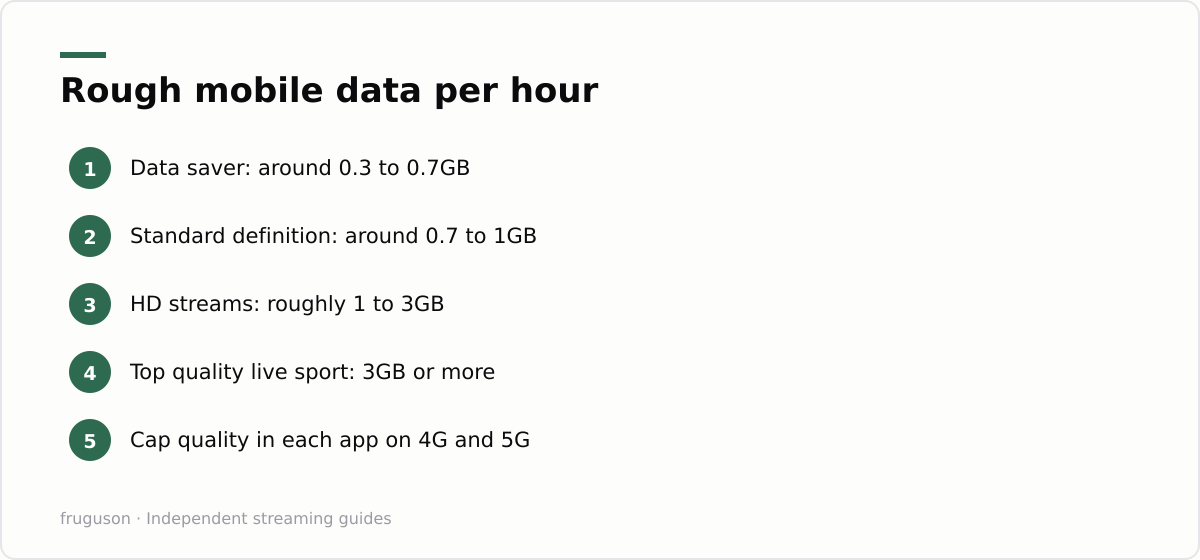
Streaming over 4G or 5G is where surprise bills hide. IPTV on iPhone uses the same sort of bitrates as any other video service, and live simulcasts rarely offer as fine a quality picker as on-demand players do. A 5G signal makes the problem worse, not better, because a faster connection lets apps select their highest bitrate automatically. Faster pipes drain allowances sooner. The figures below are rough guides rather than measurements; exact use varies by app and by signal quality.
| Viewing quality | Rough data per hour |
|---|---|
| Data saver or low quality | around 0.3 to 0.7GB |
| Standard definition | around 0.7 to 1GB |
| High definition | around 1 to 3GB |
| Top-bitrate live sport | 3GB or more |
Even a 25GB monthly allowance sounds generous until one Saturday of football swallows a chunk of it. Most iOS streaming apps offer a defence: dig into the settings for a video quality cap or a data saver mode, and flip it on before a long trip rather than after the bill arrives. Our guide to IPTV data usage in the UK breaks the numbers down in far more detail, including the per-app settings worth changing.
Battery and heat on long viewing sessions
Video is one of the heaviest jobs you can hand a phone, so IPTV on iPhone drains the battery faster than music or browsing and warms the handset noticeably over a full match or film. The screen is the biggest culprit, not the download itself, so knocking the brightness down a few notches buys back real running time. Low Power Mode helps too, and on a long journey it is worth switching on before playback rather than waiting for the 20 percent warning. If the phone gets genuinely hot, iOS will dim the display and eventually pause playback to protect itself, so keep it out of direct sun and off soft surfaces like a duvet that trap heat around the back.
Two habits stretch a session further. Downloading over Wi-Fi and watching offline uses less power than pulling a live stream over 5G, because the radio is doing far less work, which is another quiet reason the download routine earns its place. And charging while you watch generates extra heat of its own; if you can, top the phone up before you start rather than streaming with the cable in, and the battery stays cooler and ages more slowly for it. An iPad rides all of this better thanks to a much larger cell, but the same brightness and heat rules still apply on a hot day.
Where to start tonight
Ten minutes of setup pays for itself the first time a delayed train sits outside Clapham Junction with nothing to look at. Install iPlayer and ITVX before bed, then queue a couple of downloads over Wi-Fi. Cap the video quality in each app while you are in the settings anyway, and drop the brightness a notch to spare the battery. Test AirPlay once on a quiet evening so it behaves when the football actually matters, and if you often stream away from home, our plain-English guide to streaming in student halls and second homes is worth a read. After that, the phone already in your pocket doubles as a portable set for every commute and every departure lounge ahead.
Frequently asked questions
Does streaming live TV drain an iPhone battery quickly?
Video is one of the heaviest things a phone does, so expect a live channel to use far more battery than music or browsing, and to warm the handset up. Lower the screen brightness, switch on Low Power Mode, and download over Wi-Fi for journeys, since playing a saved file uses less power than pulling a live stream over 5G.
Which free apps show live UK TV on an iPhone?
BBC iPlayer, ITVX, Channel 4 and the 5 app all stream their live channels free after a quick account sign-up. Pluto TV adds free ad-supported linear channels on top. Paid services such as Now and discovery+ cover Sky content and TNT Sports.
How much mobile data does live TV streaming use per hour?
As a rough guide, expect around 0.7 to 1GB per hour at standard definition and 1 to 3GB in HD. Data saver modes can cut that to under 0.7GB. Set a quality cap inside each app before travelling on a limited allowance.
Summarize this post with:
Follow How To Watch Streaming on Google News so you never miss a new guide.


Leave a comment