The Student TV Setup: Cheap and Landlord Proof
How students get proper telly at uni with one streaming stick, free licensed apps and a straight answer on getting a watchable picture in halls.

Contents
Moving into halls with a 40 inch telly is a classic freshers’ week mistake. It fills the car boot. It worries the landlord’s inventory list, and half the time it never gets tuned in because the aerial socket in the room is dead. A decent student TV setup in 2026 fits in a backpack instead: one streaming stick, a stack of free apps and a picture that holds up on shared halls wifi. This guide covers what costs nothing at all, how to get a steady stream out of a crowded hall network, and how to keep the paid apps under a tenner a month.
Getting a watchable picture on shared halls bandwidth
Halls broadband is shared across a whole building, so the speed you get in the evening is nothing like the figure the prospectus quoted. Hundreds of students reach for a screen at the same hour, and the connection sags exactly when you want to watch. The fix is rarely more speed and usually better habits. Set every app to auto quality rather than forcing 4K, since a dorm-sized screen shows little difference between HD and 4K while 4K quietly eats three or four times the bandwidth and buffers first when the network is busy.
If your room has a wired socket, a cheap USB ethernet adapter for the stick sidesteps the congested shared wifi entirely and is the single biggest upgrade most students can make. Where you are stuck on wireless, join the 5GHz network name if the building broadcasts one, since it is far less crowded than the 2.4GHz band that every phone and doorbell in the corridor is fighting over.
Timing helps too. Download boxsets to a tablet earlier in the day, when the network is quiet, rather than streaming them live at nine at night when the whole block is online. It is also worth knowing which apps count as live and which are pure on-demand before you commit: our guide to the streaming rules for halls and shared houses walks through the accommodation scenarios in full.
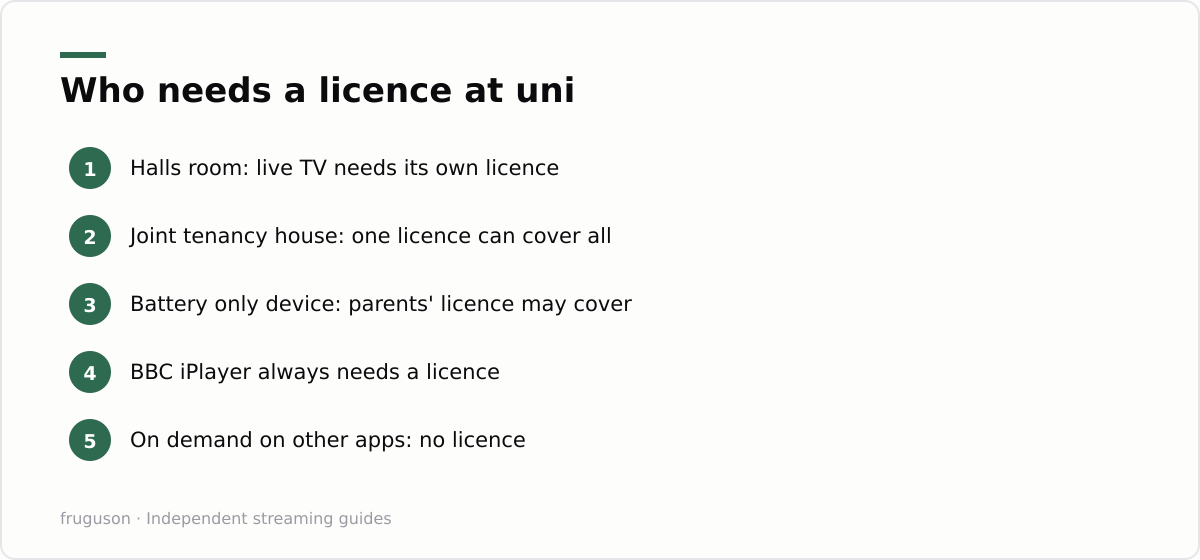
Free apps first: the core of a student TV setup
Start with the free layer before spending anything. ITVX, Channel 4 and 5 all offer their full catch-up catalogues without a subscription; you sit through some adverts and that is the entire price. Pluto TV adds dozens of themed streaming channels that feel like flicking through old school telly. The Roku Channel and Rakuten TV’s free tier stack films on top, again fully licensed. If your accommodation happens to have a newer smart TV in the kitchen, it may already carry Samsung TV Plus or LG Channels, which bolt extra free channels onto the set itself.
Freely deserves a mention for shared houses. It is the successor to Freeview built by the UK broadcasters, streaming live channels over wifi with no aerial needed, and it comes built into many recent tellies; the details are at https://www.freely.co.uk/. We keep a running list of every licensed free channel service in the UK if you want the long version.
A first year who sticks to on-demand catch-up can run this entire free stack for nothing, which makes it about the cheapest licensed telly in Britain.
One stick that moves between three homes
The hardware answer is a streaming stick, not a television. A Fire TV Stick or a Roku stick costs roughly £25-40 at full price, checked July 2026, and both drop hard in sales around Black Friday and results season. Either plugs into the HDMI port of whatever screen is nearby: the kitchen telly in halls, or the family set at Christmas. Sign in once and your apps and watchlists travel in a pocket. Your student TV setup lives on the stick, not on any particular screen.
This is also the landlord proof part. Nothing gets mounted or drilled. There is no aerial installation to argue about and nothing added to the inventory to dispute at checkout, because the only thing you brought into the room leaves with you. A cheap TV setup uni students can actually sustain is one where moving out takes thirty seconds.
One caution is worth flagging before you lean on a stick in halls. Some accommodation TVs hide or disable their HDMI inputs behind a hotel-style menu, and a few older sets do not push enough power from their USB port to run a stick reliably, so pack the little mains adapter that comes in the box rather than trusting the TV’s socket. Test the stick on the room’s screen on move-in day, while the helpdesk queue is still short, rather than the night before you actually want to watch something.
Halls wifi streaming without a fight
Halls wifi streaming is where good plans usually stall. University networks tend to run eduroam, which uses an enterprise login that most sticks cannot join, and accommodation providers often cap how many devices each student can register. Getting halls wifi streaming working is mostly paperwork rather than trickery; the fix is reading the network policy and using the doors it already provides.
Most student accommodation offers a separate media or device network for consoles and streaming sticks. You register the stick’s MAC address through a web portal, once, and it stays connected all year. Find the MAC in the stick’s network settings menu before you start, because the portal will ask for it. If your room has an ethernet socket, a cheap USB ethernet adapter for the stick is often the most stable option, and it dodges the wireless device cap entirely.
When neither route exists, your phone’s hotspot will get a stick through initial setup and updates, though it makes a poor daily driver on a student data plan. What you should not do is plug in your own router or repeater where the acceptable use policy forbids it. Universities detect rogue access points quickly, and losing network access mid semester over a £20 gadget is a terrible trade. A polite ticket to the IT helpdesk gets device limits raised surprisingly often.
Rotate one paid app a month
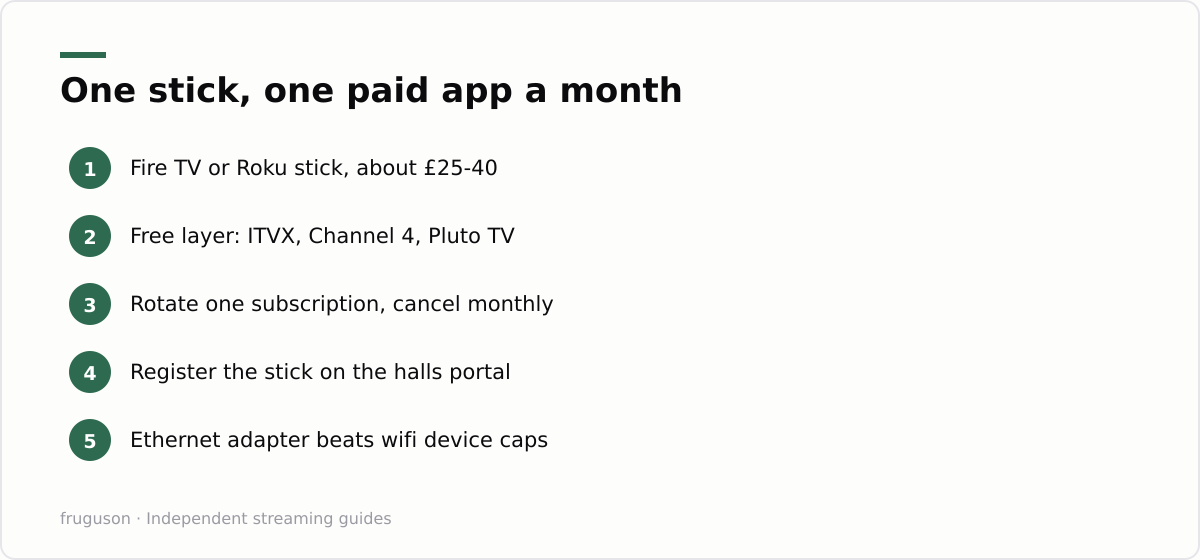
Paid apps are where student budgets quietly die, so treat them as a rotation rather than a stack. Every mainstream UK service now sells monthly with no contract lock. Subscribe to one, watch the thing you actually joined for, cancel from the account page the same day so it lapses on its own, then move to the next service the following month.
| Service | Rough monthly cost, checked July 2026 | Best rotation use |
|---|---|---|
| Now Entertainment | around £10, often less on offer | Sky shows, one season at a time |
| Netflix with adverts | around £6 | one big series binge |
| Prime Video | around £9, student trial sometimes cheaper | films plus delivery perks |
| discovery+ | £4-7 depending on tier | TNT Sports months for football |
Prices shift and offers churn constantly, so treat that table as a shape rather than gospel. The pattern is the point: one paid service active at any moment keeps telly under a tenner a month while still covering whatever the group chat is watching. Our breakdown of the cheapest way to watch TV in the UK runs the same maths for households rather than single rooms.
Watch for genuine student pricing too. Some services run student trials or verified discounts, and the offers change every academic year, so check the current deal on the service’s own site rather than a coupon blog.
Your first week checklist
Here is the order that avoids wasted money. Buy the stick first. Load the free apps before touching a card: ITVX first, then Channel 4 and Pluto TV. Register the stick on the accommodation’s device portal on day one, while the helpdesk queue is still short.
Then give it a full month before paying for anything. Most students find the free layer plus one rotating subscription covers the whole year for under £120, and every part of a student TV setup built this way survives the move into next year’s house without a single new purchase. The telly stays at home. The stick goes where you go.
Frequently asked questions
Which apps should a student install first, before paying anything?
Start with the free catch-up players: ITVX, Channel 4 and 5 carry their full catalogues with ads at no cost, and Pluto TV, The Roku Channel and Rakuten's free tier pile on live-style channels and films. A first year can run this whole stack for nothing, then add one paid service only when a particular show justifies it.
Is a streaming stick or a smart TV better for a halls room?
A streaming stick is the stronger choice for halls. A Fire TV Stick or Roku costs about £25-40, plugs into any screen's HDMI port, and carries your apps and logins between halls, home and next year's house. Nothing is mounted or drilled, so there is nothing to argue over on the room inventory when you move out.
How do I get a streaming stick onto halls wifi?
Most university accommodation runs a separate media network where you register the stick's MAC address through a web portal, because sticks cannot join eduroam's enterprise login. A cheap USB ethernet adapter is a stable alternative if your room has a wired socket. Never plug in your own router where the acceptable use policy forbids it.
Summarize this post with:
Follow How To Watch Streaming on Google News so you never miss a new guide.


Leave a comment