The Cheapest Way to Watch TV in the UK: A 2026 Money Guide
A money-first guide to cutting your TV spend: free channels, membership rotation and one-off hardware that lasts for years.

Contents
Television in the UK has quietly become expensive. A satellite bundle here, three streaming memberships there, and plenty of households now pay more for telly than for their mobile contracts. It does not have to be that way. The cheapest way to watch TV in 2026 is a layered plan: a free core that covers most of your viewing, one rotating paid membership, and hardware you buy once. This guide walks through each layer with honest numbers, then shows how to squeeze the most from each without spending more than you need to.
The Cheapest Way to Watch TV Is Mostly Free
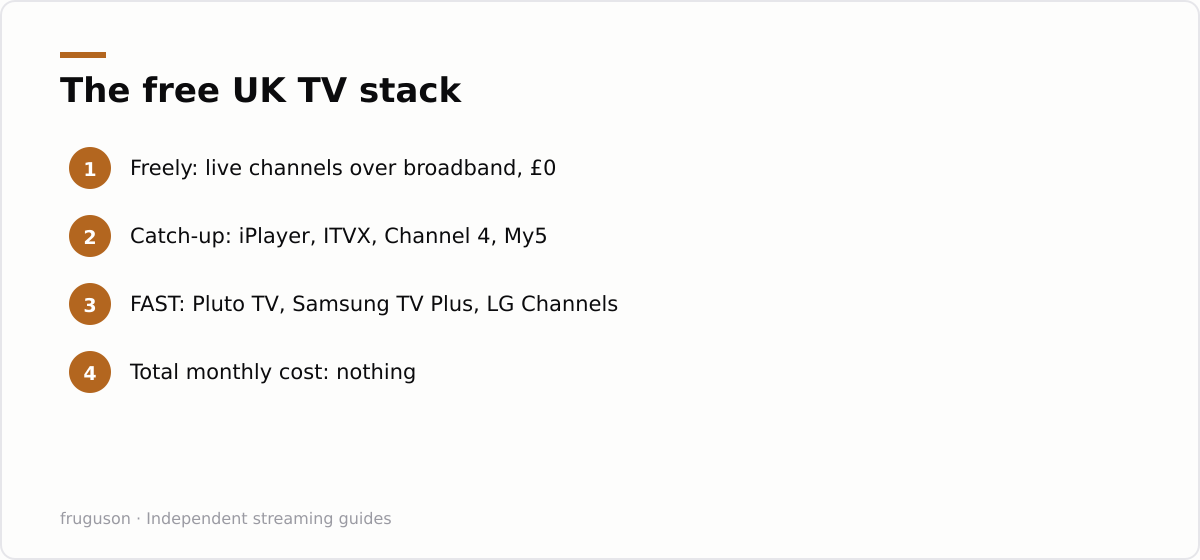
Start with the layer that costs nothing. Freely is the free live TV service built by the UK’s main public service broadcasters, and it streams channels over your broadband with no aerial and no subscription. It arrives built into many new smart TVs, so if you bought a set in the last couple of years you may already own it without realising. The channel list and the supported models are published at freely.co.uk, and the lineup covers the mainstream schedule most households actually watch.
Catch-up apps fill in the box sets. BBC iPlayer and ITVX hold enormous libraries, while the Channel 4 and My5 apps add film seasons and documentaries that would cost real money elsewhere. None of them charges a penny, and the ad-funded apps show breaks, just as broadcast telly always did.
Then come the FAST services, short for free ad-supported streaming television. Pluto TV is the best known and runs on almost anything. Samsung TV Plus and LG Channels come baked into their own brands’ sets, while The Roku Channel and Rakuten TV ride along on cheap streaming hardware. Between them they offer hundreds of themed channels: old panel shows, true crime, films, rolling news. Quality varies wildly. Some channels are genuinely good; others loop the same three documentaries forever. It costs nothing to find out which is which, and for plenty of homes this free layer alone is the cheapest way to watch TV, full stop. We keep a complete rundown in our guide to free IPTV channels in the UK.
Rotate Paid Memberships, One at a Time
Here is where most budgets leak. A typical subscriber keeps several memberships running all year and actively watches one of them in any given month. Rotation fixes the leak without giving anything up. Pick a single service. Pay for one month, watch the shows you joined for, then cancel before renewal. Next month, move to a different service. Your watchlist and viewing history normally survive the gap, and every mainstream platform lets you cancel online in a few minutes.
The maths is blunt. Three memberships at roughly £9-13 each run to somewhere between £320 and £470 a year, using prices checked July 2026 as a rough guide. One rotating slot in the same price band costs £110-160 a year. Rotation is the simplest way to save money TV bill by TV bill, and it needs no haggling and no phone calls. You watch the same shows. You just stop paying for the months you were never going to use.
Which services deserve a slot? That depends on your household, and we rank the field in our roundup of the best IPTV services in the UK for 2026. A workable pattern: Now for a sport or cinema month, then Netflix for a drama backlog month, then a month running purely on the free stack while the wallet recovers.
Annual Versus Monthly: Do the Maths Before You Commit
Annual plans dangle a discount that usually works out near two months free. The discount is real. The catch sits in the assumption underneath it: that you would have paid for all twelve months anyway. Rotators would not have done, so an annual plan can cost them more in absolute terms even while looking cheaper per month.
| Question to ask | Monthly plan | Annual plan |
|---|---|---|
| Upfront cost | One month at a time | Ten to eleven months’ worth in one payment |
| Flexibility | Cancel whenever you like | Locked in until renewal |
| Best suited to | Rotators and samplers | The one service you watch every week |
| Break-even point | Wins if you skip two or more months | Needs a full year of genuine use |
As a rule of thumb, buy annual only for the single service you know you would never cancel, if such a service even exists in your house. Skipping just a couple of months on a monthly plan beats the typical annual discount, and skipping months is the entire point of rotation.
Ad-Supported Tiers: Premium Apps for Less
One money-saving layer sits between the free stack and full-price memberships: the ad-supported tiers most big services now offer. Netflix and Disney+ both sell a cheaper plan that plays a few minutes of adverts an hour in exchange for a lower monthly price, and Prime Video now shows ads by default unless you pay extra to remove them. If you were going to sit through breaks on the free apps anyway, the ad tier of a paid service is frequently the better value, handing you the same catalogue for less. The trade-offs are usually modest: a slightly lower maximum resolution on some plans and the occasional title held back from the ad tier.
Ad tiers stack neatly with the rotation habit from earlier. Take the cheapest ad-supported month of whichever service has the show you want, watch it, then cancel and move on. Free trials, where they still exist, extend the same logic further, though they are rarer than they were and worth diarising so a forgotten one does not quietly renew. Household sharing is the other lever: a single standard plan usually covers several screens and profiles under one roof, so splitting one membership across a family works out cheaper per person than everyone holding their own.
None of this touches the free core, which remains the foundation of a cheap setup, and a household that never watches anything live may be able to trim costs further still; our guide to the rules on watching live TV in the UK walks through where that stands. Combine an ad tier, a rotating slot and the free stack and a typical bill lands well below a pile of full-price subscriptions, without giving up much of what you actually watch.
A Budget TV Setup for Under £60
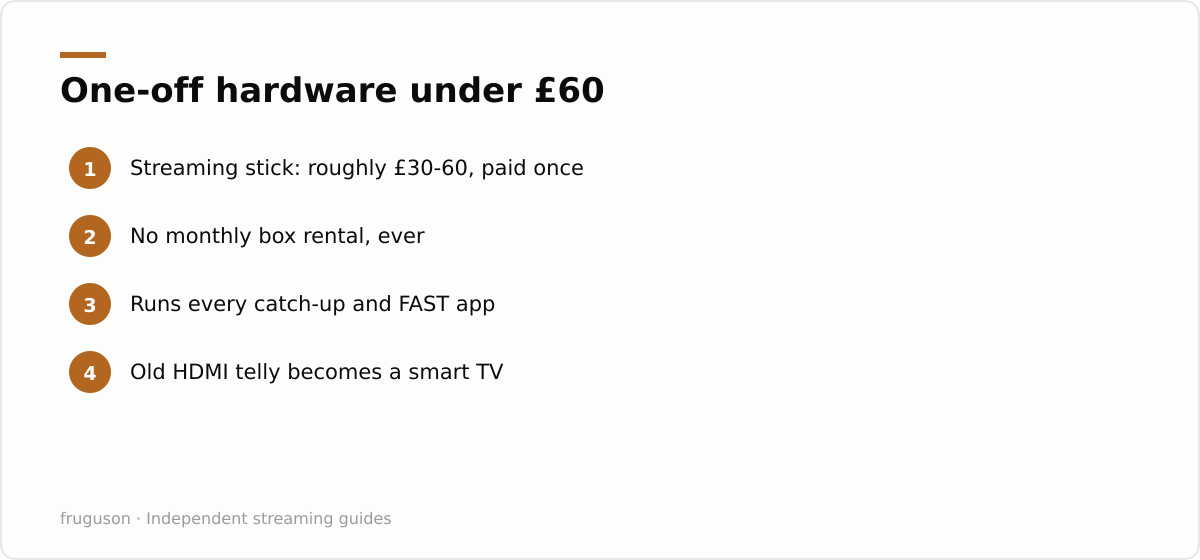
Hardware is the layer people overspend on. A budget TV setup does not need a new television. Any set with an HDMI port, however old, becomes a smart TV once a streaming stick is plugged into it. Amazon’s Fire TV Stick and Roku’s streaming sticks sit in the £30-60 bracket at full price, and Google’s TV dongles land in the same range, with regular sale prices below that, checked July 2026 as an approximate band.
Buy once and it runs for years. That is how you cut TV costs at the hardware layer: refuse anything with a monthly fee attached. A rented set-top box at even a few pounds a month costs more over two years than the priciest stick on the shelf. One caveat concerns Freely, which mainly lives inside newer TVs rather than on sticks; stick owners lean on the catch-up apps and FAST services instead, which cover much of the same ground.
A worked example: a full month of TV for under a tenner
The cheapest way to watch TV in practice is stacking, not committing. Here is a month that covers live channels, box sets and a film habit for less than the price of one traditional pay-TV package.
Start with the free stack, which costs nothing: BBC iPlayer, ITVX, Channel 4 and My5 give you the terrestrial channels live and on demand, and Pluto TV adds a few hundred always-on channels on top. For most weeks, that alone is enough. When you want a specific box set or a new-release film, add a single ad-supported subscription for one month — Netflix or Disney+ with adverts sit around £5 to £6 — then cancel before it renews. Because none of these carry a contract, you rotate: Netflix in a month you want its originals, Disney+ when there is a Marvel or Star Wars release, nothing at all in a quiet month.
The trick that keeps the bill down is treating subscriptions as disposable rather than standing. Watch what you actually came for, cancel, and come back when there is a reason to. A household that does this rarely pays for more than one paid service at a time, and often pays for none, which is how the total lands under a tenner in a typical month while still covering live telly, catch-up and a couple of films.
Your First Weekend Move
Turn all of this into a Saturday job. Open your banking app and list every telly-related payment going out. Keep exactly one membership, the one showing something you are watching right now, and cancel the rest. Set a phone reminder two days before its renewal so the next decision stays deliberate rather than automatic. Install Pluto TV and the catch-up apps on whatever device you already own, and if nothing in the house streams, order a stick in the £30-60 range. Give the new arrangement a full month before judging it. Most people find they do not miss the cancelled services, and the spend settles near £10-15 a month. Cheap telly is not a downgrade. It is the same telly with the waste taken out.
Frequently asked questions
What is the cheapest way to watch TV in the UK?
Run entirely on the free layer: Freely or Freeview for live channels, the catch-up apps for box sets, and FAST services such as Pluto TV for extra channels. That covers most of what a household watches for nothing. Add one rotating paid membership only for the months you genuinely use it, and the total stays close to the cost of a single subscription.
Do annual streaming plans actually save money?
Only if you would genuinely have paid for all twelve months anyway, since the discount usually works out near two months free. If you rotate services and skip even two or three months a year, a monthly plan beats the annual price. Buy annual only for the single service your household watches every week without fail.
Are ad-supported streaming tiers worth it?
Often, yes. Netflix, Disney+ and others sell a plan with a few minutes of adverts an hour for several pounds less than the ad-free version, and Prime Video shows ads unless you pay to remove them. If you already tolerate breaks on the free apps, an ad tier hands you the same catalogue for less. The main trade-offs are a slightly lower maximum resolution on some plans and the odd title held back.
Summarize this post with:
Follow How To Watch Streaming on Google News so you never miss a new guide.
Leave a comment