Cancelling Sky Q for Streaming: The Clean Switch Guide
A plain-English guide to cancelling Sky Q for streaming: contract exit checks, keeping Sky via Stream or Now, dish removal, and the recordings you lose.
Contents
You pay Sky every month, the dish bolted to the wall does less work every year, and streaming apps now cover most of what the box once handled. Plenty of UK households want to cancel Sky dish service and move to something app-based that costs less and follows them between homes. This guide covers the tidy version of that move. What to check in your contract, how to keep the Sky programmes you actually watch, and what to do with the hardware once the subscription stops.
That switch is rarely as simple as ringing up and saying stop. Sky ties most packages to a minimum term, your recordings live on the box rather than in the cloud, and ownership of the dish sits in a grey area. Get the order right and you avoid an early-exit bill and a last-minute scramble to replace channels you forgot you relied on.
What to check before you cancel Sky dish
Start with the paperwork, because the money lives there. Every Sky TV plan carries a minimum term, usually 18 months, and leaving early triggers a charge for the months you have not yet served. Before you cancel Sky dish billing, log into your account and find the contract end date. If you are still inside the term, Sky can ask for the remaining monthly fees as an exit fee, and that figure can dwarf a month or two of patience.
Several legitimate routes let you leave Sky contract terms without the full penalty. A mid-contract price rise sometimes opens a short window where you can walk away free of charge, so keep any email that announces a price change. Bereavement, moving abroad, and relocating to an address Sky cannot serve are handled case by case. If none of those apply, the cheapest path is often to wait until the term is nearly done, then give the required notice.
Notice periods trip people up. Sky asks for 31 days notice to cancel, and the clock does not start until you actually phone or use the online cancellation flow. Leave it too late and you pay for a whole extra month. Write down the date you gave notice and the name of the agent, then ask for written confirmation by email.
The cancellation itself happens by phone or online chat, not by simply unplugging the box. Have your account number ready, state clearly that you want to cancel, and resist the retention offers unless one genuinely beats streaming on price. Get the cancellation date and a reference number in writing before you hang up.
Broadband and mobile are separate bills
If your Sky TV sits in a bundle with Sky Broadband or a Sky Mobile SIM, those are their own contracts with their own end dates. You can drop television and keep the internet line, though the discount maths often shifts when a bundle breaks apart. Check each service on its own before you commit, because moving to leave Sky contract obligations on the TV side does nothing to the broadband term.
Sky Q to Sky Stream, or Now, keeps most of the content
Here is the part people miss. Cancelling the dish does not mean cancelling Sky. The same channels, Sky Atlantic, Sky Max, the Sky Cinema library, run over the internet through two products that need no satellite at all.
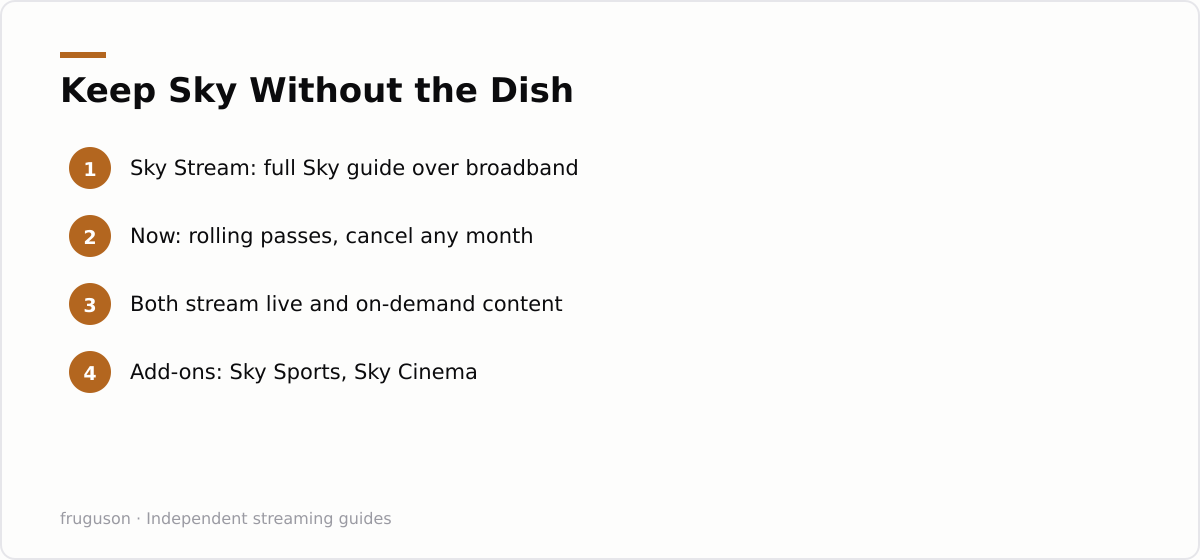
Sky Stream is the direct successor. It is a small puck that plugs into your telly and your router, and it carries the full Sky experience over broadband. Moving from Sky Q to Sky Stream keeps almost everything you recognise: the guide, the apps, the Sky Originals, add-ons like Sky Sports and Sky Cinema. Official plans and current pricing sit on the Sky Stream page at https://www.sky.com/tv/stream, and it is worth pricing your exact channel mix there (checked July 2026) before you decide. If you want the hardware walkthrough, our Sky Stream puck setup guide covers plugging it in and signing in.
Now is the lighter, contract-optional sibling. It sells Sky content in rolling monthly passes: Entertainment, Cinema, Sport. You give up the polished Sky guide and some 4K, but you gain the freedom to switch a pass off the month you stop watching. For a household that only wants Sky for one drama or one football season, Now often beats a full Sky Stream plan.
Moving from Sky Q to Sky Stream is mostly painless for live and on-demand viewing. Where it stings is anything you saved to the hard drive, which brings us to the recordings.
The recordings you lose when the dish goes
Your Sky Q box stores its recordings on the drive in your living room. Those files are tied to an active subscription and to that specific hardware. When you cancel and return the equipment, the saved library goes with it. There is no export, no download to a memory stick, no transfer into Sky Stream.
Both replacements swap local recording for a cloud Playlist model. Rather than capturing a broadcast, you add a show to a playlist and the system streams it on demand whenever it is available. For most modern series that works fine, because the catalogue holds the episodes anyway. The gap shows up with one-off live events, older films that rotate out of the library, and sport you wanted to keep.
Before the box goes back, watch anything precious. If a documentary or a match matters to you, view it while the Sky Q subscription is still live, because once billing stops the box locks and the recordings are gone for good. Treat the final fortnight as a clear-the-shelf window: no Playlist will bring an old recording back.
In plain terms, live channels and on-demand box sets survive the switch untouched, Series Link becomes a Playlist you build yourself, and only your personal recordings and saved one-off events are truly lost. That last category is the one to clear before the box leaves the house.
How to remove satellite dish hardware and hand back the box
When you cancel Sky dish, the Sky Q box, its remote, and the Sky Broadband router go back to Sky, which sends a prepaid bag or books a courier slot to collect them. Keep the return reference safe. People get billed for non-return of kit they posted weeks earlier, and that reference is your proof it left your hands.
A satellite dish is a different question. Sky generally does not want the physical dish back, so the job of removing it falls to you or the next occupant. You have three sensible options, and none of them should involve climbing onto a wet roof yourself.
Leave it in place. A dead dish harms nothing, and a future resident might even use it. This is the zero-effort, zero-cost choice, and it is the right one for most flats and rented homes where you should not alter the building anyway.
Have it taken down by a professional. A local aerial fitter or handyperson will remove satellite dish brackets and cap the hole, then make good the wall afterwards for a modest call-out fee. Ask specifically for the wall to be sealed, because an open bracket hole lets water track into the brickwork.
Do it yourself only at ground-floor height. If the dish sits low and you can reach it safely from a step ladder, taking it off is a spanner job and little more. Anything above the ground floor needs someone with proper access equipment, full stop.
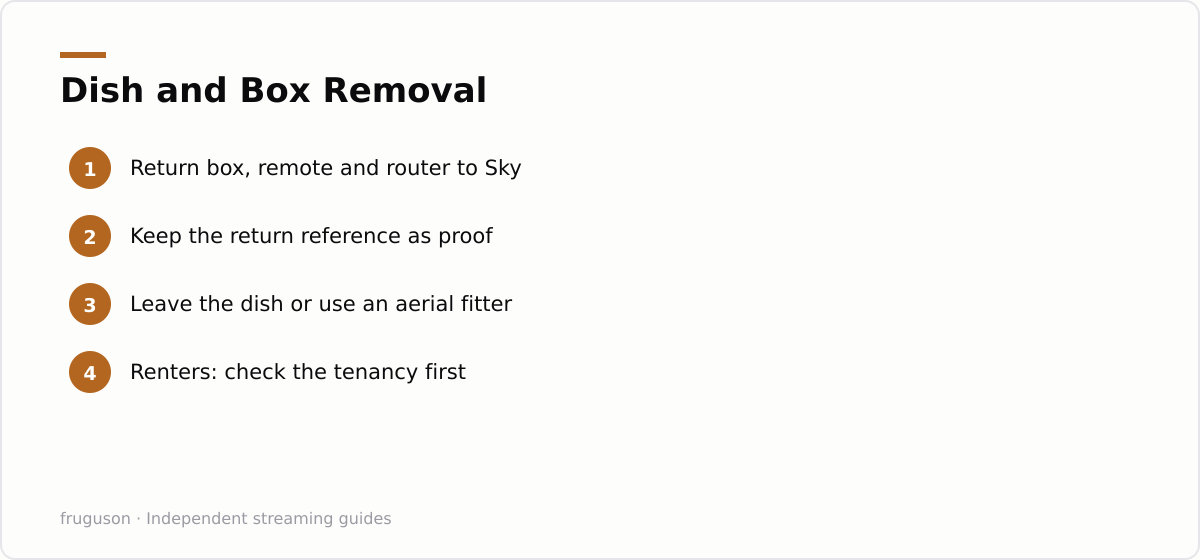
Renting changes the calculation. Check your tenancy before you touch anything screwed to the outside wall, because many agreements treat the dish as a fixture, and removing it without permission can cost you your deposit. When in doubt, ask the landlord in writing and keep the reply.
Choosing a streaming stack from scratch
With the dish retired you are picking a streaming setup from a blank slate, and a modern telly does much of it for nothing. The UK free tier is genuinely strong now: Freely and the individual catch-up apps carry BBC iPlayer, ITVX, Channel 4, 5, Pluto TV, Samsung TV Plus, and more, all without a penny.
For paid viewing, decide what you are actually replacing. If it is premium Sky drama and sport, Sky Stream or Now handles it as covered above. If you want a wider view of the market first, our best IPTV services UK 2026 roundup compares the licensed options, and our how to set up IPTV on a smart TV in the UK walkthrough gets a new service running on the telly you already own. If you are unsure what hardware you even need beyond the television, our IPTV equipment guide for the UK explains which streaming sticks and boxes are genuinely worth buying.
The point of switching cleanly is to pay less for services that keep working month after month. Ofcom’s Media Nations UK report at https://www.ofcom.org.uk/media-use-and-attitudes/media-habits-adults/medianations shows how far streaming has already grown into the space the satellite dish used to own, which is why most households now find a stick or a smart-TV app covers what the dish did for a fraction of the monthly cost.
Your next move
Pull your contract end date up first, today, ahead of anything else, because that single number decides whether you move now or wait a few weeks. Clear of the term or sitting inside a price-rise window? Price a Sky Stream plan or a Now pass against your honest viewing habits, watch whatever you care about off the old box, then give your 31 days notice. Everything screwed to the roof can stay there rusting quietly long after the billing stops, and no one will chase you for it. What you gain is a smaller monthly outlay and kit that unplugs and moves with you to the next front door.
Frequently asked questions
Can I keep Sky channels after I cancel the dish?
Yes. Sky sells the same channels over broadband through Sky Stream and through Now, so you can drop the satellite dish and still watch Sky Atlantic, Sky Cinema and Sky Sports. You only lose the satellite feed itself, not the content.
Will I lose my Sky Q recordings when I switch?
Yes, saved recordings live on the Sky Q box and cannot be exported or moved to Sky Stream. Once your subscription ends and you return the box, that library is gone. Watch anything important while the box is still active.
Do I have to remove the satellite dish myself?
No. Sky rarely wants the dish back, so you can leave it on the wall with no penalty. If you prefer it gone, a local aerial fitter can remove satellite dish brackets and seal the wall, and renters should check the tenancy first.
Summarize this post with:
Follow How To Watch Streaming on Google News so you never miss a new guide.


Leave a comment