4K Streaming in the UK: What You Need and What Is Real
A plain-spoken look at 4K streaming in the UK: what real UHD and HDR need from your broadband and telly, and which licensed services actually deliver it.
Contents
- What 4K streaming UK actually means
- Bandwidth: the 4K IPTV requirements nobody checks
- Which HDR streaming services deliver in Britain
- The truth about UHD channels UK broadcasters offer
- Kit and cables: the quiet failure points
- Upscaling: clever, but not the same as 4K
- The verdict: chase HDR and a steady line, not just pixels
Buying a 4K telly is the easy bit. Getting genuine 4K streaming UK viewers can actually see on the screen is the harder part, because the picture depends on the service, the broadband line and the cables behind your set. Many homes own a capable panel and still watch a soft, over-compressed image without ever knowing.
This guide covers what real ultra-high-definition needs, which platforms deliver it here, and where the marketing quietly oversells.
What 4K streaming UK actually means
Four times the pixels of standard HD. That is the short version. A UHD frame carries 3840 by 2160 pixels, and streaming services compress that heavily before it reaches you. So the number on the spec sheet is only half the story. Bitrate, the amount of data per second, decides whether a 4K stream looks crisp or mushy.
Colour matters just as much as resolution. High dynamic range, or HDR, widens the gap between the darkest and brightest parts of the image and expands the palette. A good HDR picture at 1080p can look better than a flat 4K one. When people say a stream looks 4K, they usually mean resolution and HDR working together.
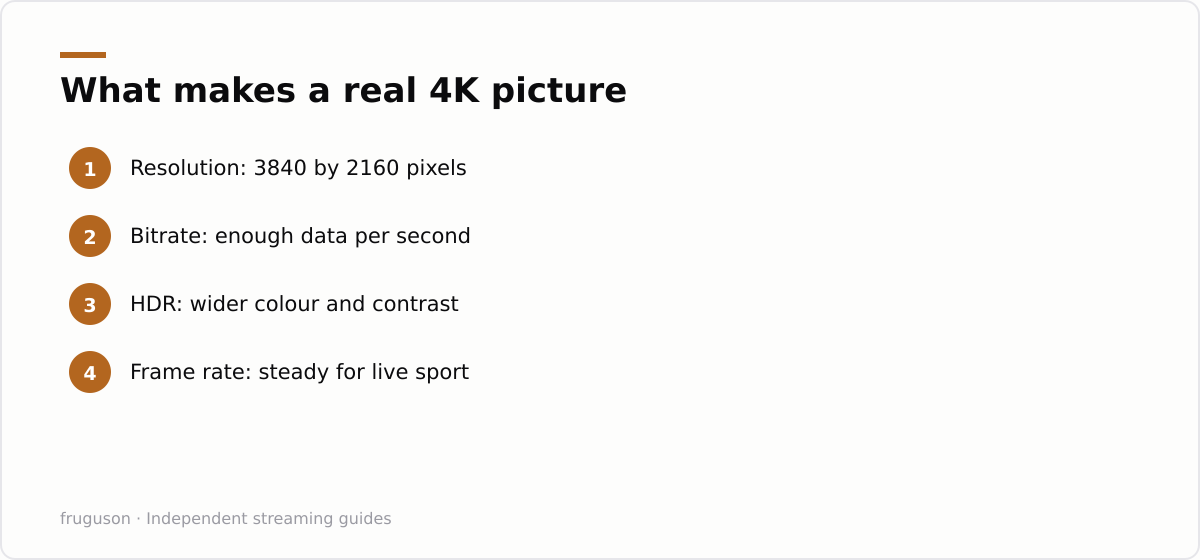
Frame rate is the third piece. Most film and drama sits at 24 or 25 frames per second, while sport and some live output runs higher. A sharp 4K stream of a football match needs both the pixels and a steady high frame rate, or fast motion smears into blur.
Bandwidth: the 4K IPTV requirements nobody checks
Here is where reality bites. Streaming true UHD asks a lot of your connection, and the 4K IPTV requirements most guides skip are all about sustained speed rather than peak speed. Netflix and Prime Video generally suggest around 15 to 25 Mbps for a steady 4K stream, and that figure is per stream, not per household.
Run two 4K streams at once and the maths doubles. Add a video call, then a games console downloading in the background, and a 40 Mbps line starts to buckle. The connection also has to hold that speed consistently, not just touch it briefly during a speed test.
Worth knowing your real figure. Ofcom publishes independent research on what UK lines actually deliver at https://www.ofcom.org.uk/phones-and-broadband/broadband-speeds, and it makes a sober read next to the “up to” numbers in the adverts. If your evening speeds sag well below the headline, that is when 4K quietly drops back to HD.
A wired connection beats wifi for this. Ethernet from router to telly removes most of the wobble, and where a cable is impractical, a strong 5GHz signal or a decent mesh setup is the next best thing. Powerline adapters vary wildly, so treat them as a maybe rather than a fix.
Which HDR streaming services deliver in Britain
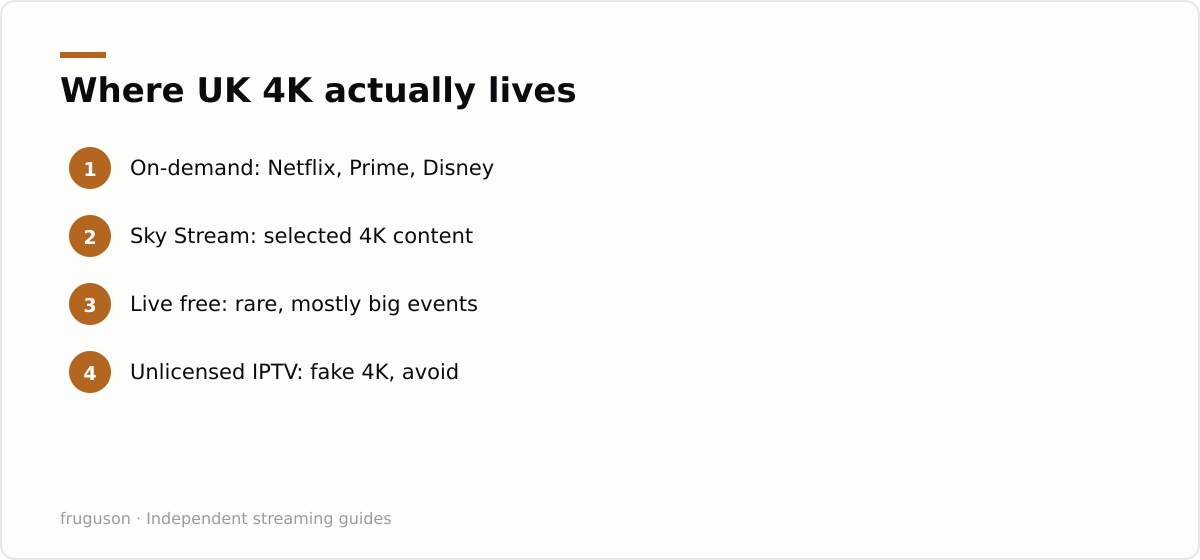
Not every app streams UHD, and among those that do, the HDR support varies. The big subscription HDR streaming services in Britain are Netflix and Prime Video, both carrying large 4K HDR libraries, though on Netflix the 4K tier costs more. Disney content, Apple TV originals and a growing slice of catalogue titles also arrive in HDR.
HDR is not a single standard, either. Most apps use HDR10 as a baseline, while some titles add Dolby Vision or HDR10+ for scene by scene tuning. Your telly has to support the format for the benefit to show, and a set that lacks Dolby Vision simply falls back to plain HDR10 on those titles. Check your model’s spec sheet once rather than assuming every 4K badge covers every format.
Sky Stream carries 4K on selected content through its puck, and you can check the current line-up and pricing on the official plans page at https://www.sky.com/tv/stream. Now, the app-based sibling, offers a Boost add-on for 1080p and 60fps rather than full UHD on most content, so read the tier before assuming 4K. For paid 4K streaming UK subscribers, these licensed apps are the dependable core.
Then there is live television, which is a different story.
The truth about UHD channels UK broadcasters offer
Free-to-air 4K is thin on the ground. The number of genuine broadcast UHD channels UK viewers can tune into for free is small, and most 4K here arrives on-demand rather than as a linear channel. BBC iPlayer has streamed selected events in UHD, such as major sport and landmark nature series, but these are one-off streams rather than a permanent channel.
ITVX streams largely in HD. Channel 4 and 5 do the same, keeping 4K for occasional flagship titles. Freely, the newer free streaming platform, gathers live channels over broadband, though the bulk of that is HD too. So if your goal is a wall of 4K live channels, the licensed British landscape will disappoint for now.
This is exactly where the cheap all-channel adverts overpromise. Offers of thousands of 4K live channels for a few pounds a month are not realistic, and the “4K” claim on them is usually fiction: what you get is upscaled HD dressed up as UHD. Stick to the mainstream apps and a proper 4K source and the picture quality holds up.
Kit and cables: the quiet failure points
A 4K screen alone is not enough. Your telly needs the right decoders and a fast enough input, and older sets sometimes lack the HDR formats newer streams use. Most 4K tellies from the last few years handle the mainstream apps, yet budget models can skip certain HDR standards.
Cables trip people up more than anything. To carry 4K HDR at 60fps from a streaming box, you want a High Speed or Ultra High Speed HDMI cable, and a very old lead can quietly cap you at HD. If you use an external streamer, the box itself has to be a 4K model, because plenty of cheaper sticks top out at 1080p.
One more trap sits in the settings menu. Some tellies ship with their best picture modes switched off, and streaming apps occasionally default to a lower quality tier to save data. A quick dig through the app’s video settings and the telly’s picture menu often unlocks the sharper stream you already pay for.
For a full walk through of the kit, our IPTV equipment guide breaks down what is worth buying. And if you are wiring a new set from scratch, the steps in how to set up IPTV on a smart TV cover getting the apps and inputs right the first time.
Upscaling: clever, but not the same as 4K
Modern tellies upscale lower-resolution video to fill their 4K panels, and the good ones do it impressively. Upscaling is not the same as a native UHD stream, though. It guesses at detail that was never captured, so it can sharpen an HD picture without ever matching a true 4K source.
That distinction matters when a service claims 4K. A genuine UHD stream feeds real detail into every pixel. An upscaled one merely polishes what it already has. The gap shows most on fine textures, on crowd shots, on small on-screen text, where invented detail cannot compete with recorded detail.
Marketing blurs this line on purpose. When a cheap box or a suspect subscription boasts “4K,” it is often upscaled HD, and that is the tell that the picture will not match a licensed 4K app.
The verdict: chase HDR and a steady line, not just pixels
Do not fixate on the resolution badge. Good 4K streaming UK comes down to the whole chain, not one number on the box. For most British living rooms, a reliable connection and solid HDR support will do more for picture quality than the 4K label alone. Sort the broadband first. Use a wired link or strong wifi. Then pick licensed apps that genuinely carry UHD.
If you want a shortlist to start from, our roundup of the best IPTV services in the UK for 2026 flags which licensed platforms actually stream in 4K rather than just claim it. Match that to a screen and cable that can keep up, and the picture on the box will finally match the one in the advert.
Frequently asked questions
How fast does my broadband need to be for 4K streaming?
Most services suggest around 15 to 25 Mbps for a single steady 4K stream, and that is per stream rather than for the whole house. Running two at once, or streaming while other devices are busy, needs noticeably more headroom. A wired connection helps the line hold that speed.
Do free UK channels stream in 4K?
Only rarely. BBC iPlayer has carried selected events such as major sport and nature series in UHD, but there is no permanent free 4K channel yet. Most live British television, including much of what Freely aggregates, still streams in HD.
Is upscaled 4K the same as real 4K?
No. Upscaling stretches a lower-resolution picture to fill a 4K panel and guesses at the missing detail, so it can look sharper without matching a native UHD source. When a cheap box advertises 4K, it is often upscaled HD rather than a true 4K stream.
Summarize this post with:
Follow How To Watch Streaming on Google News so you never miss a new guide.


Leave a comment